

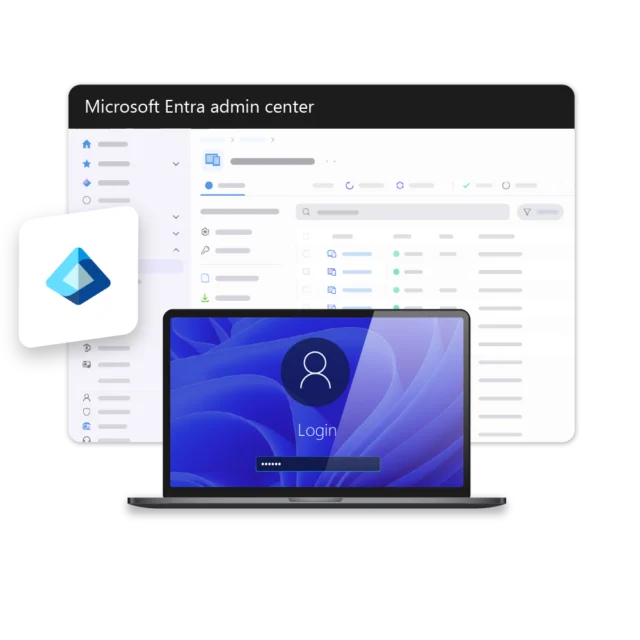
Microsoft Entra ID helps organizations manage users, groups, and access in one central environment. However, keeping employee data up to date across multiple platforms can be time-consuming and error-prone. Manual user management often leads to outdated audience lists, incorrect targeting, and unnecessary administrative work.
Simplify targeting with Microsoft Entra ID
Connect Microsoft Entra ID directly with Netpresenter to simplify employee targeting, user management, and sign-in. Users, groups, and employee attributes such as department, role, and profile picture are automatically synchronized, helping communication teams reach the right audiences while reducing manual work for IT.


“With Microsoft Entra ID connected to Netpresenter, we can manage audiences more easily and let employees sign in with the credentials they already use every day.”






Netpresenter blog
How a Microsoft Entra ID integration boosts employee communication
Employee data changes constantly. New hires. Reorganizations. People switching roles or locations. When your communication platform isn’t connected to your identity system, those changes have to be tracked and updated by hand.
A Trusted Pioneer in
Employee Communications
For decades, Netpresenter has been pioneering employee communications. Organizations worldwide trust our award-winning platform.







Some questions
already answered
Looking for more information? We’ve collected answers to the most frequently asked questions below. If your question is not listed, feel free to reach out – we’re happy to help!
Is the Microsoft Entra ID integration easy to set up?
Yes. Setting up the integration is straightforward. Once the connection between Microsoft Entra ID and Netpresenter is configured, users, groups, and employee attributes can be synchronized automatically. Most organizations can continue using their existing Microsoft Entra ID structure, making deployment simple for both communication and IT teams.
Is employee data updated automatically?
Yes. Changes made in Microsoft Entra ID can be synchronized automatically with Netpresenter, helping keep audiences, employee profiles, and targeting information accurate and up to date.
Can I target messages to specific audiences?
Yes. You can use Microsoft Entra ID users and groups to target messages to specific departments, teams, locations, job roles, or other audiences within your organization.
Which employee data can be synchronized?
Netpresenter can synchronize employee attributes such as department, function, location, profile picture, and other profile information available in Microsoft Entra ID.
Why should I connect Microsoft Entra ID to Netpresenter?
Connecting Microsoft Entra ID helps reduce manual administration. Communication teams can use existing groups for targeted communication, while IT can continue managing users and access from one central place.