

Microsoft Power BI helps organizations turn data into valuable insights. But those insights only create impact when they reach the right people at the right moment. Too often, crucial dashboards and reports remain limited to a small group of analysts, managers, or Power BI users, leaving much of the workforce disconnected from important business performance data.
Share crucial data
with everyone
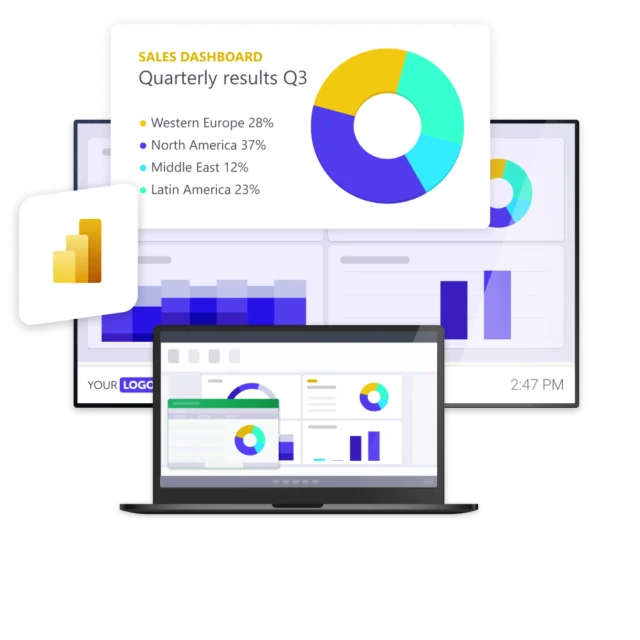
With Netpresenter, you can automatically display Microsoft Power BI dashboards and reports on screens across your organization. This ensures important business intelligence is seen by every employee, helping teams stay informed, aligned, and focused on performance.



“By connecting our Power BI with Netpresenter, we can zoom in on our business processes and present real time data to our employees”

Some of our valued customers





Netpresenter blog
How to easily share your Microsoft Power BI dashboards with your employees
Sharing your metrics with your staff is key to becoming a data-driven organization. Netpresenter can connect your dashboard to display a selection of crucial data on TV and PC screens.
A Trusted Pioneer in
Employee Communications
For decades, Netpresenter has been pioneering employee communications. Organizations worldwide trust our award-winning platform.







Some questions
already answered
Looking for more information? We’ve collected answers to the most frequently asked questions below. If your question is not listed, feel free to reach out – we’re happy to help!
What are the benefits of integrating Power BI with Netpresenter?
Integrating Power BI with Netpresenter helps extend the reach of your business intelligence. Share dashboards, reports, and key metrics with employees throughout your organization, improve transparency, and support better data-driven decision-making at every level.
What is the update interval for Power BI dashboards in Netpresenter?
By default, Power BI dashboards and reports are refreshed every 30 minutes. Need more frequent updates? Upon request, the refresh interval can be reduced to as little as 10 minutes, ensuring employees always have access to the latest data and insights.
How to share your Microsoft Power BI dashboards with employees
Sharing your metrics with your staff is key to becoming a data-driven organization. Netpresenter can connect your Microsoft Power BI dashboard to display a selection of crucial data on TV and PC screens. This gives your employees valuable insights, right on their own workspace. Read more about it in our blog.
How to show a Power BI dashboard on TV?
You can provide employees at every level of your organization with key metrics they need to do their job by displaying Power BI dashboards on TV or screensavers. Our customers use our Power BI integration to bring important data automatically to their employees’ attention. Read more about it in our blog.
Why You Should Display Power BI Data on TV Screens
Power BI makes bringing your data together in one place incredibly easy. However, while Power BI is great for drilling down and slicing data to better represent relations, key metrics, and hierarchies, employees must actually have access to the data and see them on a regular basis to benefit from them in their daily work. This is one of the reasons why you should display Power BI data on TV Screens in your organization. Download our infographic to learn more.