












A guideline to great content for your digital signage channels
Estimated reading time: 10 minutes
When setting up digital signage, the hardest part is the hardware. You’re just one technical nightmare away from well-informed employees and customers. Once that’s up and running, all there’s left to do is creating marvelous content. You simply broadcast the same content throughout the entire organization. Right?
Wrong. Because Joey from marketing will just be distracted from his work if he’s shown the new safety regulations that apply on Kate’s daily job in the factory hall. And in the offices that regularly get customer visits, your screens should probably show different content as well.
To easily broadcast messages to all your staff members, digital signage allows you to set up screens from any location into the same content management system. But luckily for you (and Joey and Kate), digital signage also allows you to have different content for different offices, all combined under one network.
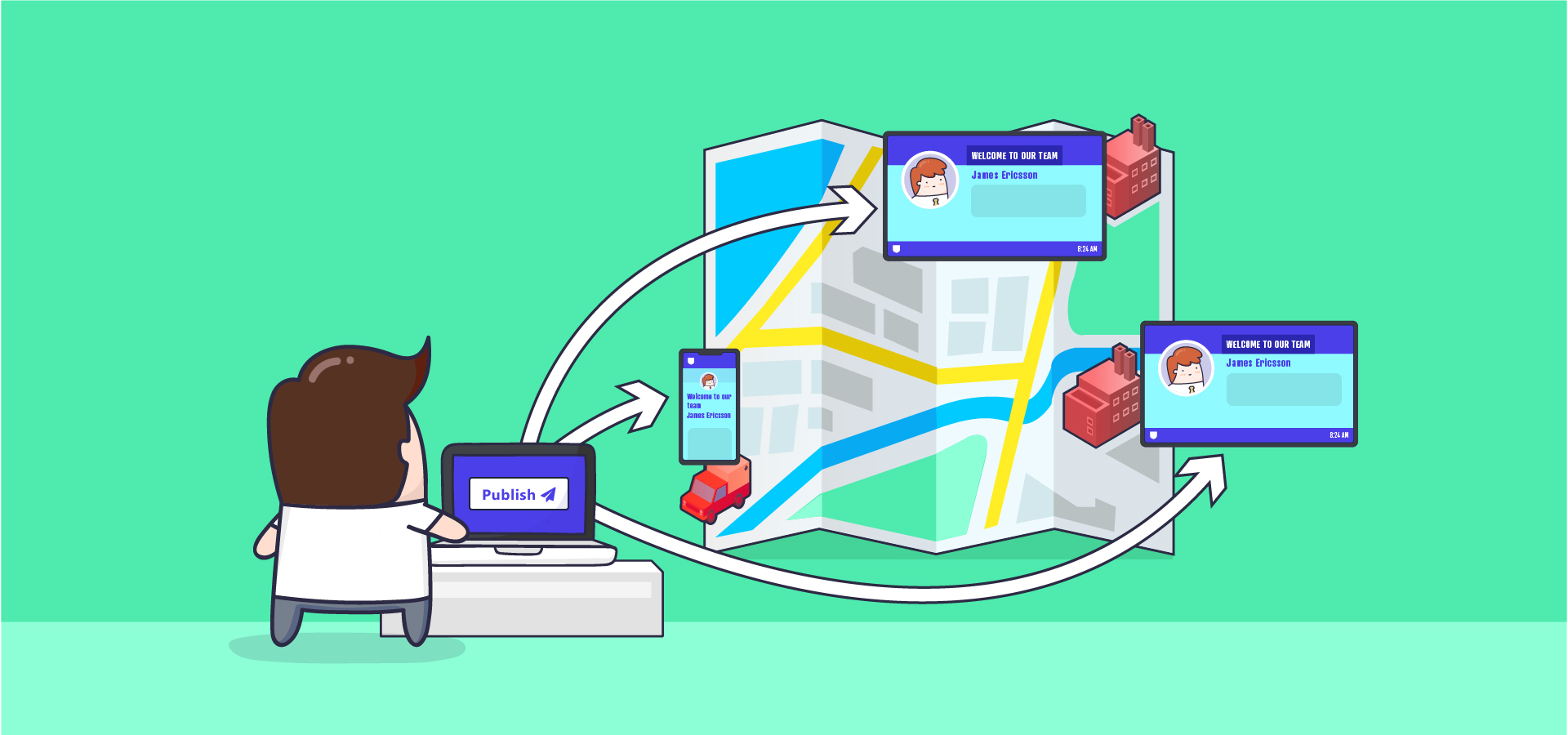
If you now feel like you need some assistance on deciding what content to publish through your corporate channel and what to publish in local offices, we’re here to help you step-by-step.
COPE and CARE
The terms COPE and CARE have originated from social media, but we’re using them to help you publish the right message in the right place. COPE content, Create Once and Publish Everywhere, is the content you broadcast throughout the entire organization from your corporate channel. You create it, you publish it, and all your employees are in the loop instantaneously. There’s also the content that shouldn’t be published through your corporate channel, as it covers only the information that is relevant for certain employees. This is CARE content: Create And Recreate Every time. But how to separate COPE from CARE?
You should ask yourself a couple of questions to determine what your COPE content is and what content you would likely consider to be CARE. We’ll start off easy (small steps make big change!) with just one important question you can work on for now:
Who will see the content published to your digital signage displays?
Thinking about your audience is a logical place to start. After all, you’re publishing for them. When talking about workplace communication, all employees are your audience. But not all employees are the same, so identifying audience groups might be a smart idea. These are some ideas on grouping target audiences:
Corporate Channel
This is where you broadcast your finest COPE content. When you start separating your audience into groups, you should always include one organization-wide target audience. Learn more about corporate content in A Guideline to Great Content for your Digital Signage Channels: Part 2.
Local audience
You can start targeting communication by identifying ‘local’ groups. These groups can be divided by country, city, branch office or team. In these groups, you drop all your CARE content. You could also subdivide your audience according to the nature of the tasks of specific groups, such as a marketing or a logistics division. Your corporate channel group can be divided in as many local audience target groups as makes sense to you. Learn more about corporate content in A Guideline to Great Content for your Digital Signage Channels: Part 3

Customers or patients
Don’t forget about your customers or patients! The content you’re going to show to your customers (or patients) is probably different from what you’re sending out to your employees, so include them in your target groups and make sure you keep their content separate.
As you can see, creating target groups is a small step forward. By identifying them and showing them specific content, employees won’t be distracted by information that is of no relevance to them.
What do you want to achieve with your digital signage content?
If you’re setting up digital signage, you’re not just doing it to make your office look cool (though it definitely will!). Think of what you want to accomplish with your messages. To start, we have identified the four main intentions why organisations share content with their staff. To make it easy on you, we came up with a fitting acronym: TEAM.
Train:
As we’ve written before: employee training is the cornerstone of effective management. However, studies show that people will forget about 90 percent of what they’ve learned within a month. That is, if the information isn’t brought to their attention repeatedly upon completion of the training. The solution to this: digital signage!
COPE
Sometimes, your entire staff will benefit from the same training. For example, cybersecurity training is relevant to everyone in your organization. With digital signage, you can repeatedly show chunks of your employees’ training through your Corporate Channel to make sure they remember the things they’ve been taught.
CARE
The same applies to your CARE channels. Use digital signage to constantly share bits of department-specific training to the attention of your workers. For example, new safety regulations for your local factory hall.

Enlighten (or inform):
There’s information that’s relevant to your entire staff and there’s information that’s only relevant to certain departments or even people at your organization. Make sure you don’t distract employees with information they don’t need. Here are some ideas on separating your COPE from your CARE:
COPE
This is the information you share with all your employees using your Corporate Channel. This is need-to-know information for your entire staff like company internal news, reminders and announcements. In the unforeseen case your systems are down, for example, this is the channel to inform all your staff through.
CARE
Employees with different daily tasks won’t necessarily need the same information. Try to think of what’s relevant to either someone in marketing, for example, or someone in the factory hall. We’re talking changed regulations for certain divisions, procedure updates, important deadlines, branch office news or special visitors.
Assist:
To make your employees’ lives a bit easier every day, you can use your content to assist them with their daily tasks.
COPE
To help your staff find important information, redirect them to further information on (for example) SharePoint by showing them where to find the info. Summarize your messages using bullet points so your employees know what the info is about. Then tell them where they can go for further information. This way, your employees aren’t all over the place searching for important news.
CARE
Show things your staff needs to remember, like a calendar to highlight important dates, events or meetings. If your employees won’t have to remember small things themselves, they’ll be able to focus on the important stuff: their daily tasks. Publish traffic updates to make your employees’ days more productive – they’ll be able to choose to leave the office now or do some more work until there are no more traffic jams.
Motivate:
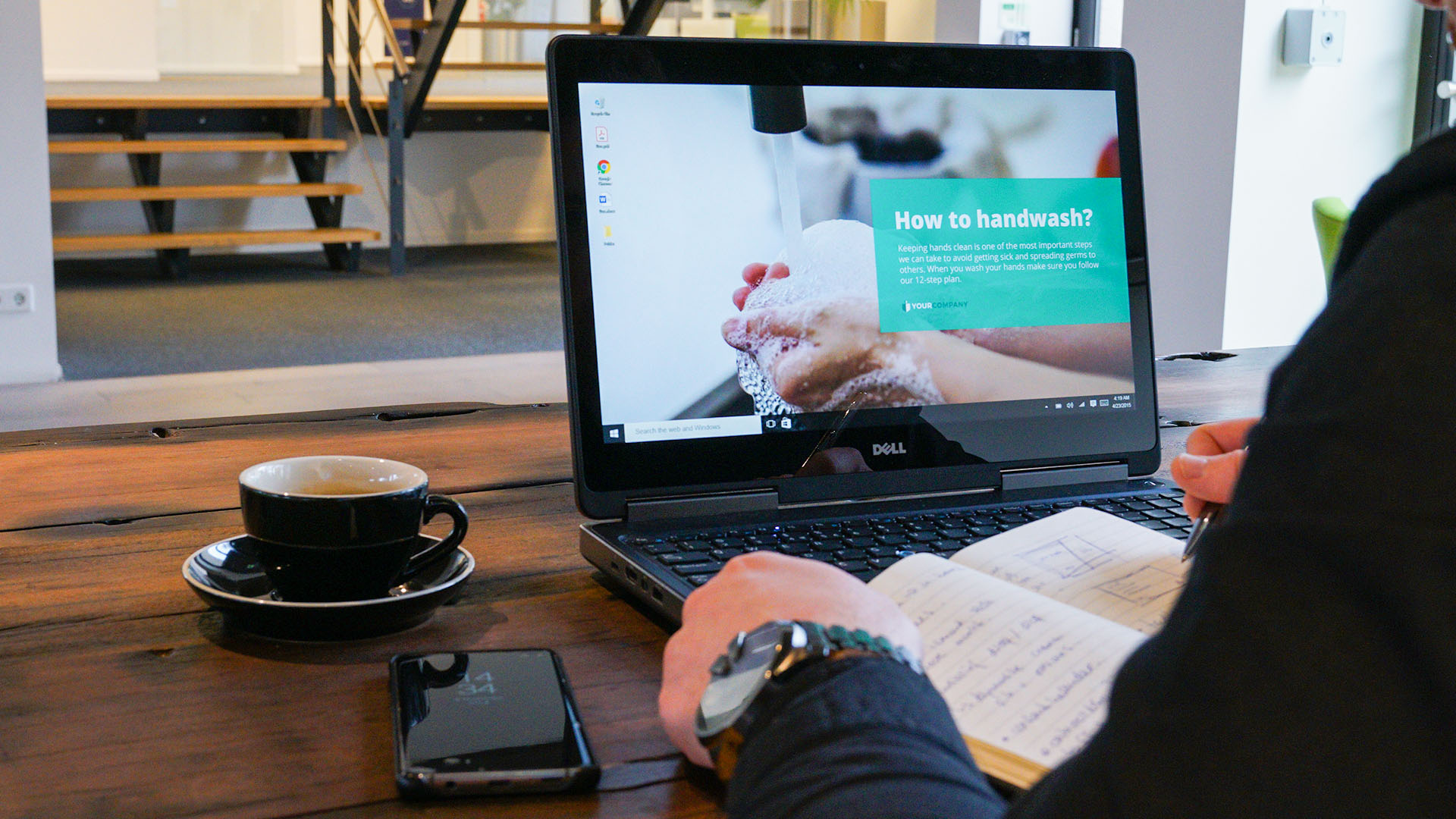
At this time of year, most of us aren’t dreaming of working hard – we’re dreaming of a white Christmas. So, a little motivation on a grey Monday morning never hurt anyone!
COPE
Trying to motivate all your employees? Connect Power BI to your screens to show a KPI dashboard (you can do this with Netpresenter!). Show news mentions, company milestones, client satisfaction ratings, company targets, inspirational quotes or competitors’ social media accounts; these are all great motivators.
CARE
Highlight office achievements, employee achievements or small victories. Publish things happening on site that day: someone’s birthday (you can plan these ahead, so no-one’ll be forgotten!) or work anniversary. Studies show gamification is also a great way to engage and motivate your employees.
Next time you’re creating content for your digital signage, think of TEAM.
For the last part of our guideline, we’re stepping away from your employees for a bit. Last (but not least), we’re here to help you decide what information you should show to visitors, like customers, patients or job applicants. You might have mostly used your digital signage screens for internal communications, but it would be a waste to not incorporate your screens in your external communication!
For your visitors, you answer the same question:
What’s the purpose of your digital signage content?
The same communicative intentions apply to your visitors, though we’re skipping the part where you train them. Our new acronym therefore is I AM!
Here are some ideas on informing, assisting and motivating you customers or patients:
Inform
You can use digital signage to inform your patients or customers about all sorts of things. Show operating hours, upcoming closed holidays, prices, waiting times, FAQs or even the weather – a big ‘small talk hit’ when waiting times get long. You could also add ‘in case of an emergency’ info to make sure your customers or patients stay safe.
Assist
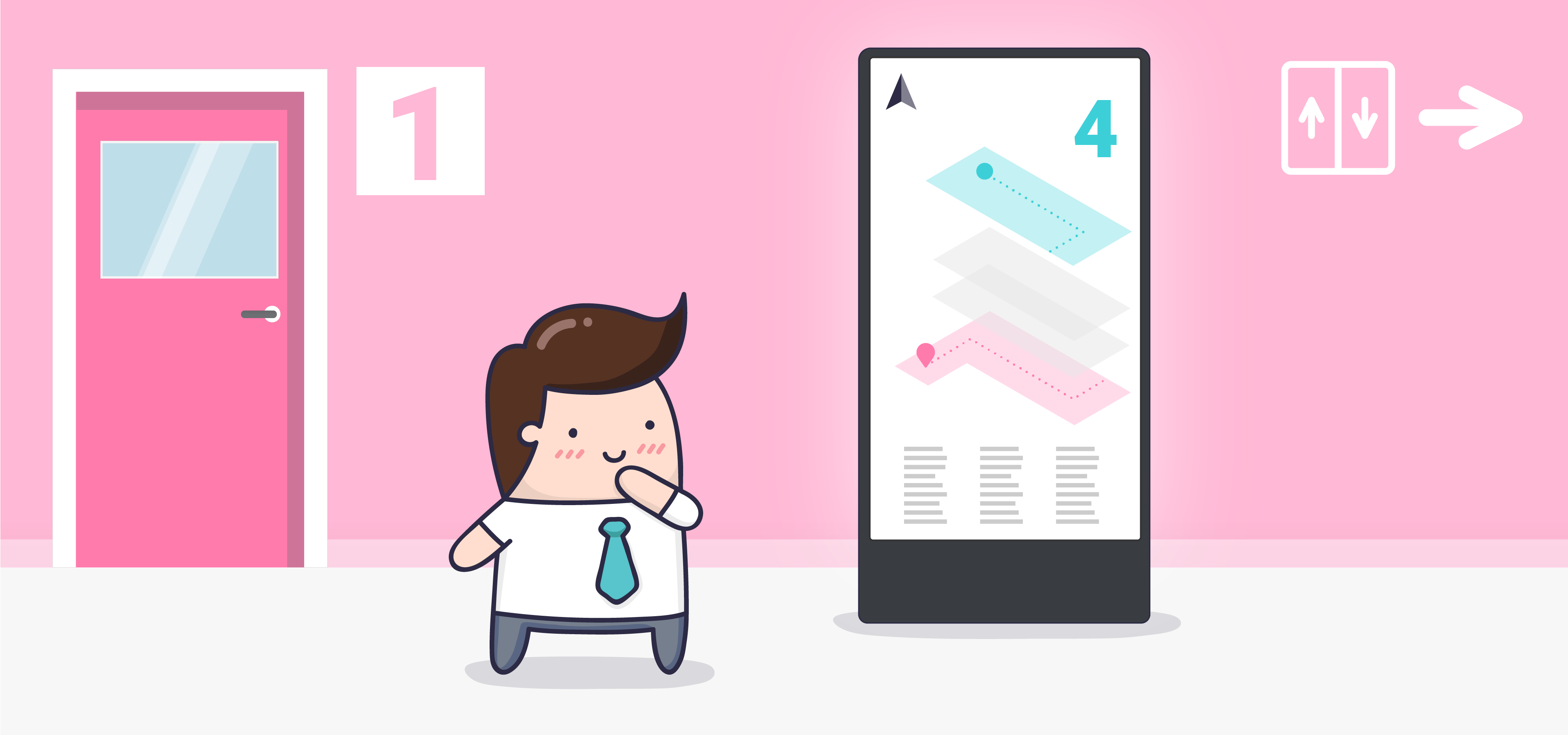
To assist your customers in finding their way through your building, digital signage can be used for wayfinding. If your institution practices certain surgeries or medical practices, you could use your screens to explain these procedures to your patients; it might put them at ease.
Motivate
To motivate your customers to buy your products, show them testimonials of past and current clients, new products and (upcoming) special offers and discounts on a loop. Studies show aesthetically pleasing content is higher valued by customers than educational content when buying products, so make sure it looks good!
Differentiation’s key
Now you may have divided your customers or patients into just one target group. This could work if you’re a one-building organization. However, think of how your customers or patients are spread throughout your building(s). Do you have multiple locations visited by customers? Different items might be on sale in different locations; not all operating hours will be the same and even prices may vary. Still, if you’ve just got one building, like a medical centre, polyclinics will definitely have varying waiting times and not all medical procedures will be the same.
Your employees will ‘just’ be distracted when you show them unnecessary information. However, your customers might not even come back if they’re overwhelmed with irrelevant or inaccurate information! Differentiation is key here. Again, try to put yourself in your audiences’ shoes when publishing your content. And maybe go and add a target group or two.
Would you like to get started with digital signage? To help you get going, download our free infographic with 14 clever ideas to use digital signage for!