

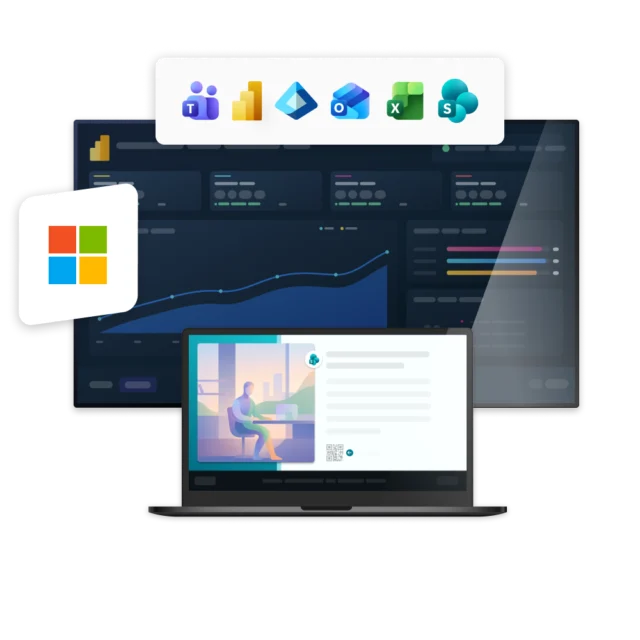
Microsoft tools are used by millions of employees every day. But the content inside them does not always reach the people who need it. Messages get buried in Teams, news stays hidden in SharePoint, and Power BI dashboards are often seen by only a small group of users. These tools rely on employees checking them themselves for news and updates, while not every employee in the organization has access to them.
Get more value from Microsoft
Netpresenter works alongside tools like SharePoint, Teams, and Power BI to help you get more from your Microsoft environment. Content stays where it is created and managed, while Netpresenter actively pushes it to every available screen for maximum visibility. This way, important information also reaches employees who do not regularly check or have access to Microsoft tools.



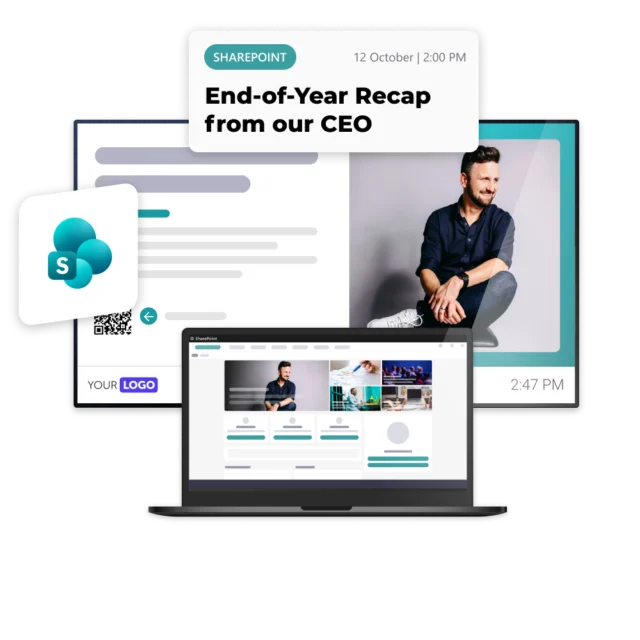
Microsoft SharePoint
Actively bring existing SharePoint content to employees’ attention using any available screen and device within your organization. Highlight news, updates, and intranet content where employees are already looking, increase visibility, and drive more traffic back to SharePoint.

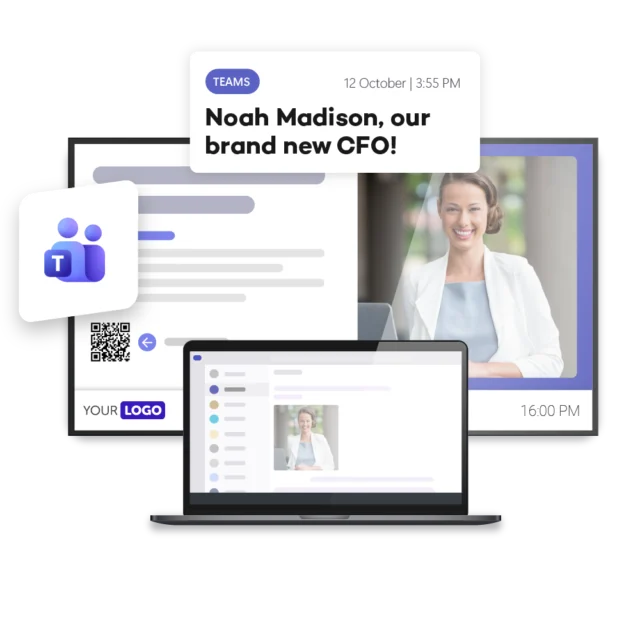
Microsoft Teams
Make Teams content impossible to miss by bringing important channel messages and updates directly to employees’ attention. Keep everyone informed on screens across your organization, including employees without a computer or Teams account, and prevent key information from getting lost in busy channels.
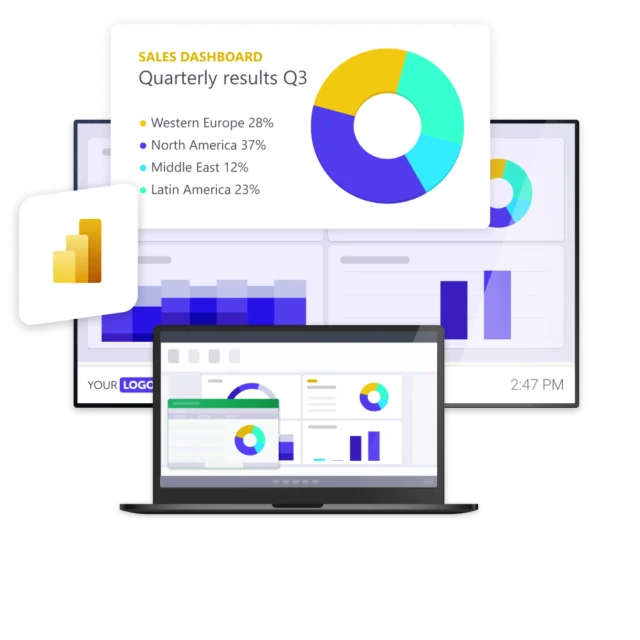
Microsoft Power BI
Bring Microsoft Power BI insights to every screen and make important data visible beyond analysts, managers, or Power BI users. Automatically display up-to-date dashboards and reports across your organization, so employees stay informed with the latest KPIs, metrics, and operational insights.
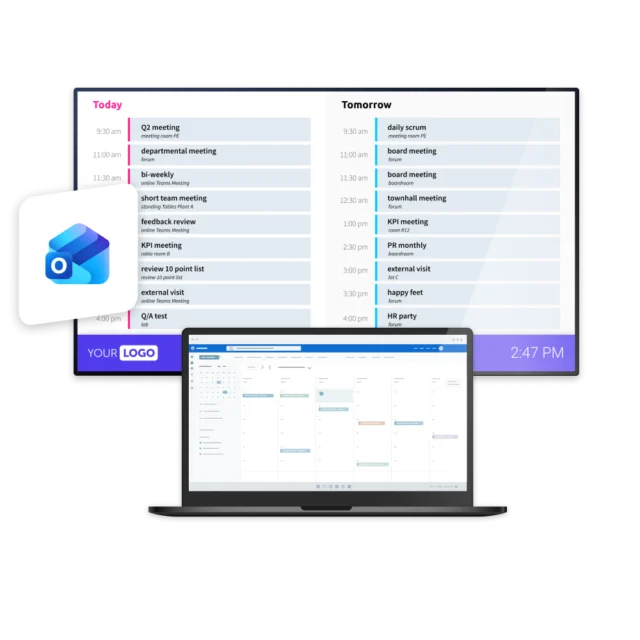
Outlook Calendar
Keep employees informed about upcoming meetings, events, and important dates through a direct connection to Outlook Calendar. Bring schedules to every screen across your organization, so everyone has visibility into what’s coming up, kept up to date automatically.
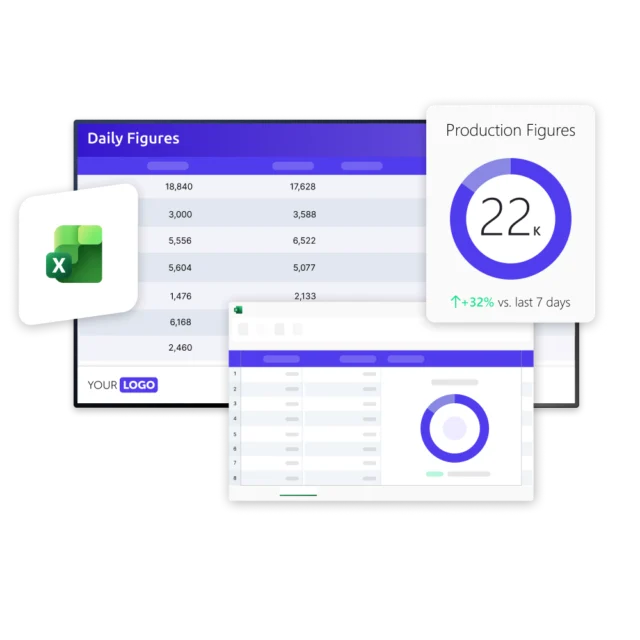
Microsoft Excel
Turn the spreadsheets your teams already maintain into live content on every screen. Automatically display data from Microsoft Excel across your organization, so employees always see the latest numbers, lists, and metrics without anyone updating a slide by hand.
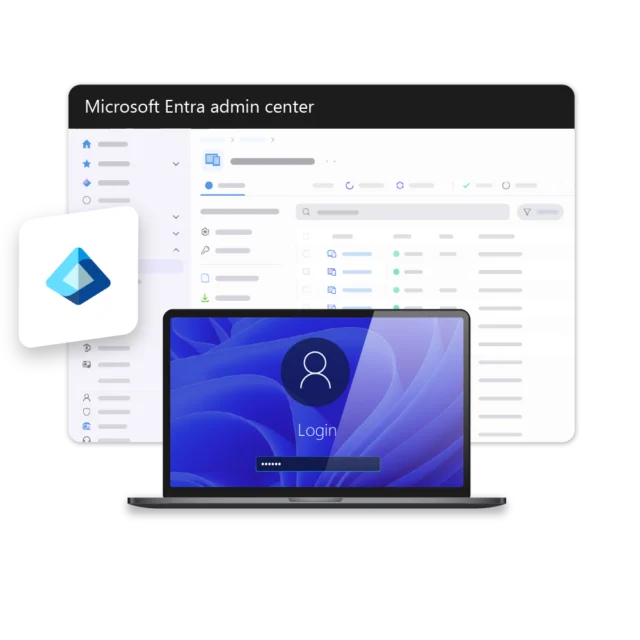
Microsoft Entra ID
Simplify audience management with a direct connection to Microsoft Entra ID and keep employee data synchronized automatically. Manage users, groups, and employee attributes from one central source, while allowing employees to sign in using their existing Microsoft credentials.
Benefits of integrating Netpresenter with Microsoft







Some of our valued customers





Netpresenter blog
Netpresenter x Microsoft: get more from the tools you use
Microsoft is one of the most widely used business technology platforms in the world. Microsoft 365 alone has around 450 million commercial users. For organizations everywhere, tools like SharePoint, Teams, and Power BI form the digital backbone of the workday. That’s why Netpresenter made a deliberate choice to go Microsoft-first. Not to replace Microsoft, but to get more out of the Microsoft tools organizations already have.
A Trusted Pioneer in
Employee Communications
For decades, Netpresenter has been pioneering employee communications. Organizations worldwide trust our award-winning platform.







Some questions
already answered
Looking for more information? We’ve collected answers to the most frequently asked questions below. If your question is not listed, feel free to reach out – we’re happy to help!
How are Microsoft updates synchronized with Netpresenter?
Updates are synchronized automatically through the integration. Content remains managed in Microsoft, while changes are automatically reflected in Netpresenter without duplicate entry or additional manual work.
Do I need additional Microsoft licenses to use these integrations?
No additional Microsoft licenses are required for employees to view Microsoft content through Netpresenter. Existing content can be distributed across your communication channels without providing access to the original Microsoft applications.
How does Netpresenter help increase Microsoft adoption?
By making Microsoft content more visible, employees become more aware of the information, news, and resources available within Microsoft tools. Messages can also include call-to-actions that direct employees to platforms such as SharePoint for additional information.
Can employees without Microsoft access still see Microsoft content?
Yes. Netpresenter helps you reach employees who do not have daily access to Microsoft tools, such as frontline workers, production employees, or field staff. Important information can be displayed on Digital Signage screens, Screensavers, and mobile devices.
Does Netpresenter replace Microsoft tools like SharePoint or Teams?
No. Netpresenter complements your existing Microsoft environment. Content remains in tools like SharePoint, Teams, and Power BI, while Netpresenter extends their reach by making that information visible through visual employee communication.
Which Microsoft applications can be integrated with Netpresenter?
Netpresenter currently integrates with Microsoft applications such as SharePoint, Teams, Power BI, Outlook Calendar, Excel, and Microsoft Entra ID. These integrations help you extend the reach of existing Microsoft content, data, and updates by making them visible on every available screen across your organization. Additional Microsoft integrations, such as Viva Engage, are currently under review.