
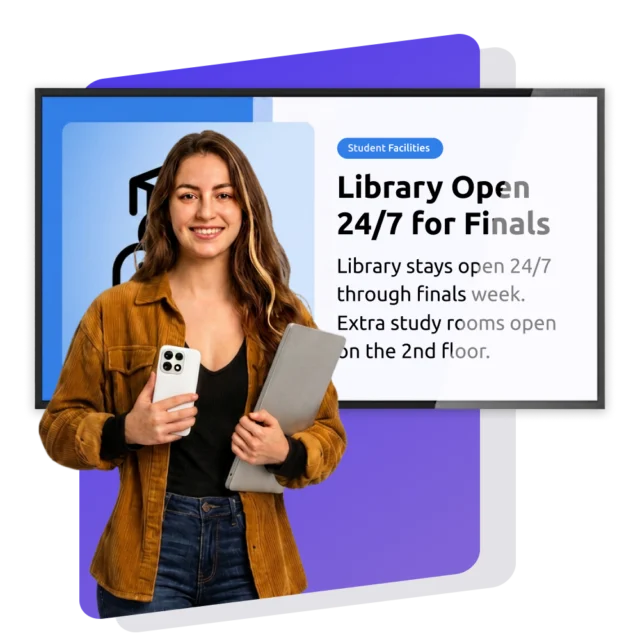
The Benefits of education Digital Signage
Digital Signage turns every screen on campus, or in your building, into a channel students actually notice. Faculty and staff see it too: the same platform that promotes tonight’s event also overrides every screen the second there’s a crisis. No app to open, no login, no chasing down an inbox nobody checks.



Digital signage examples
for education
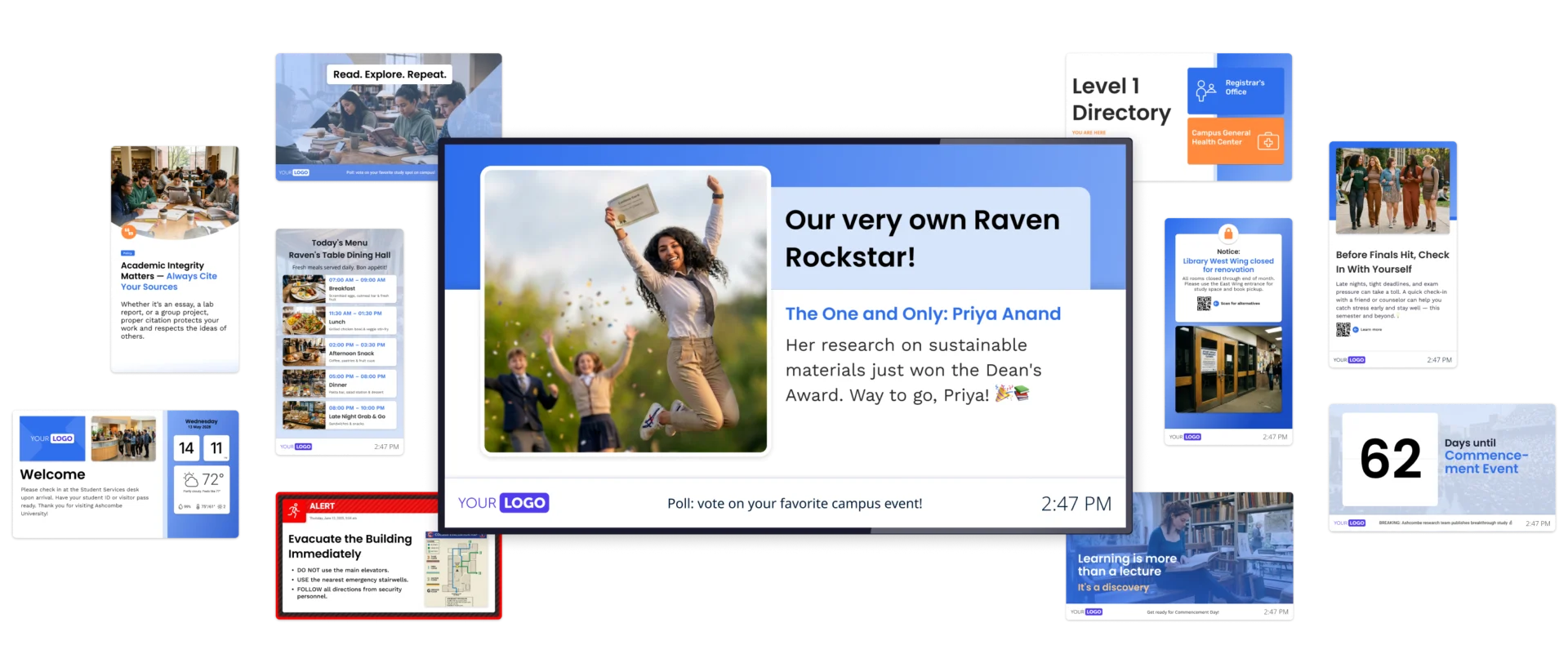
See what’s possible when every screen works for you. From event countdowns to wayfinding boards and dining hall menus, Digital Signage in education can cover far more than announcements. There’s no fixed formula, just what fits your audiences and your space.
Why education organizations
choose Netpresenter
Plenty of tools can put a schedule on a screen. Netpresenter does more: one platform for the everyday updates students scroll past and the crisis alerts that need everyone’s attention immediately. That’s what Digital Signage in education should look like, whether you’re running one building or an entire campus. Here’s what that looks like once it’s live with Netpresenter.
One platform for everyday and crisis alike
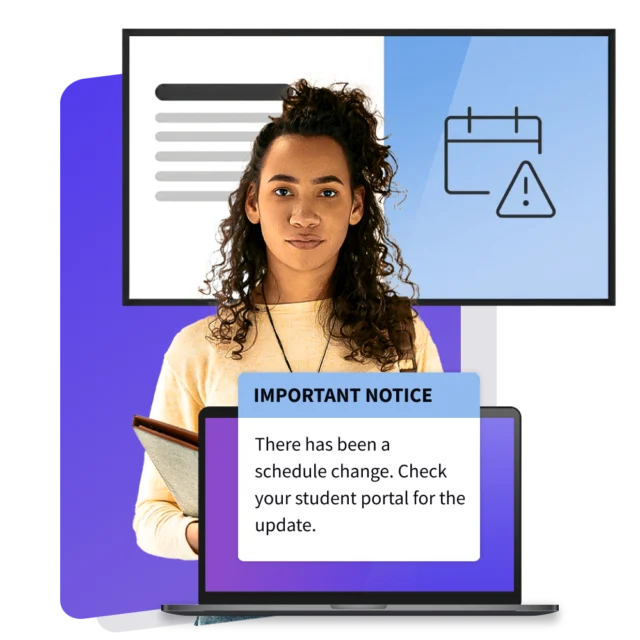
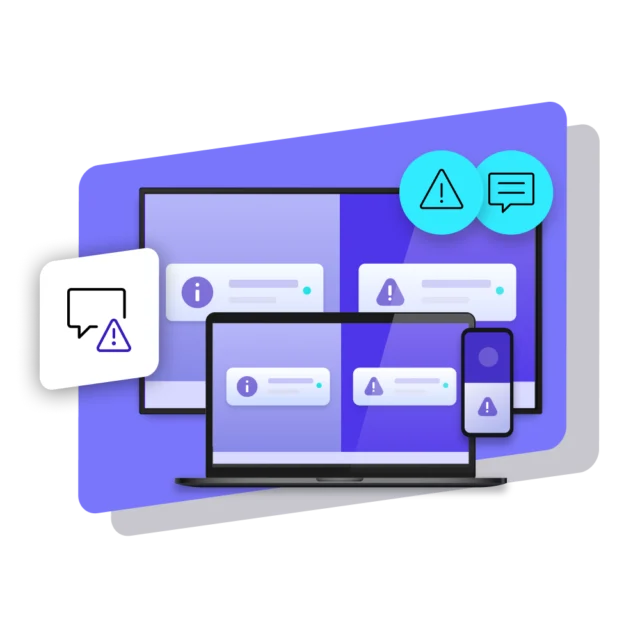
A tonight’s-event promo and a lockdown alert shouldn’t need two different systems. Netpresenter runs both: everyday content like schedules, deadlines, and dining hours, and crisis alerts that override every screen the instant something goes wrong, from a weather warning to a security threat. One platform, no guessing which one matters when it counts.
Scale across every building you manage
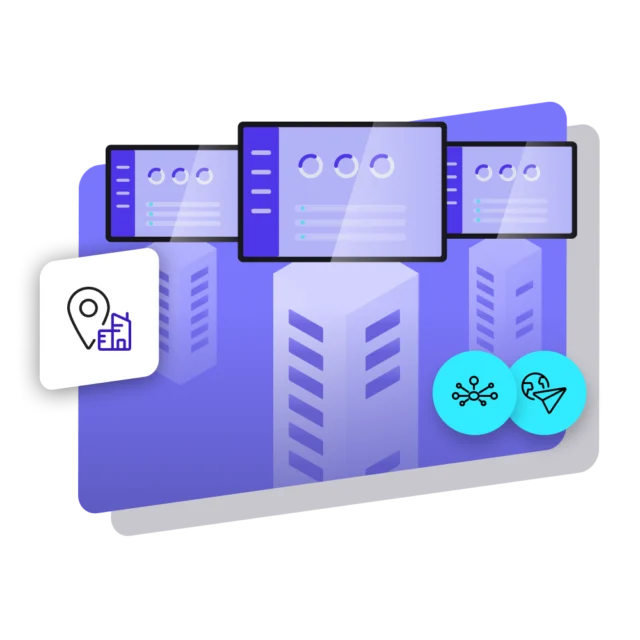
Whether it’s one academic building or a campus with dozens, content goes out from a single dashboard. Local staff can still push a building-specific update, like a room closure, without waiting on a central office to approve it. A facilities issue in one wing gets flagged in minutes, not after a call chain up and down campus.
The right message on the right screen
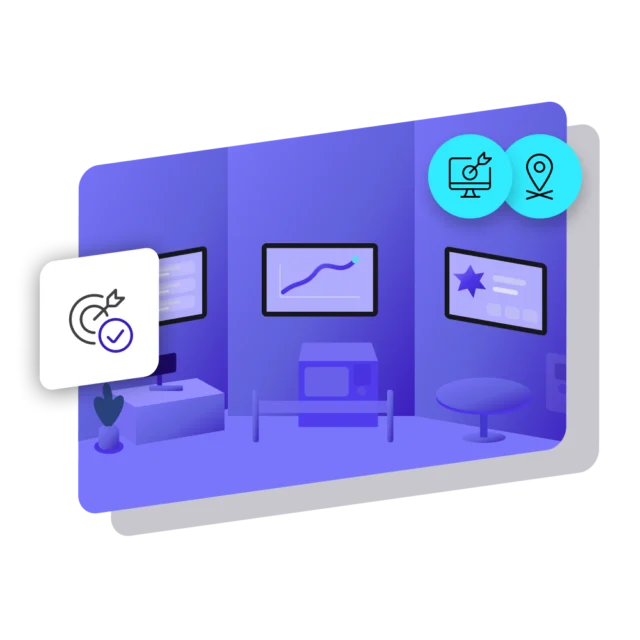
A student in the hallway doesn’t need the same screen content as a teacher in the staff canteen. Target content by building, department, or audience, so every screen shows what the people standing in front of it actually need to see. A dorm lobby can run move-in reminders while the library runs exam-week hours, all from the same dashboard.
Meets your security and privacy standards
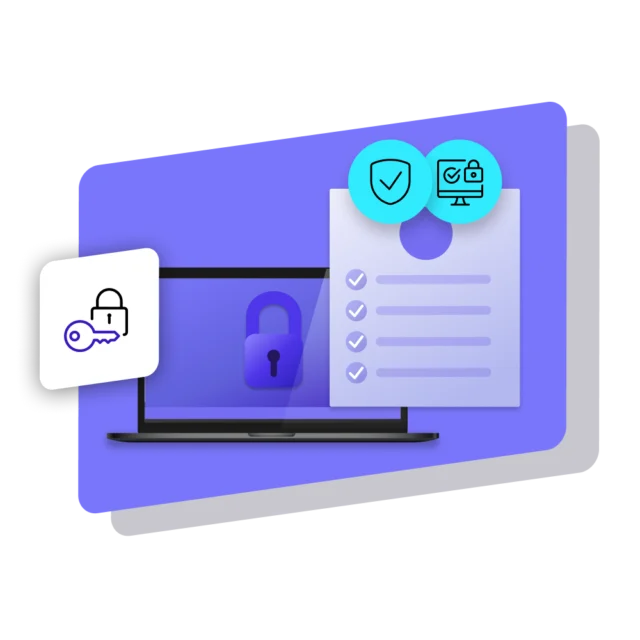
Netpresenter is ISO 27001:2022 certified and GDPR compliant, audited against the same standards your IT team already answers to. Role-based access control, single sign-on, and two-factor authentication keep the wrong people off the platform, with data encrypted at rest and in transit, no gaps for a student or a stranger to slip through.
Connects to the tools you already use
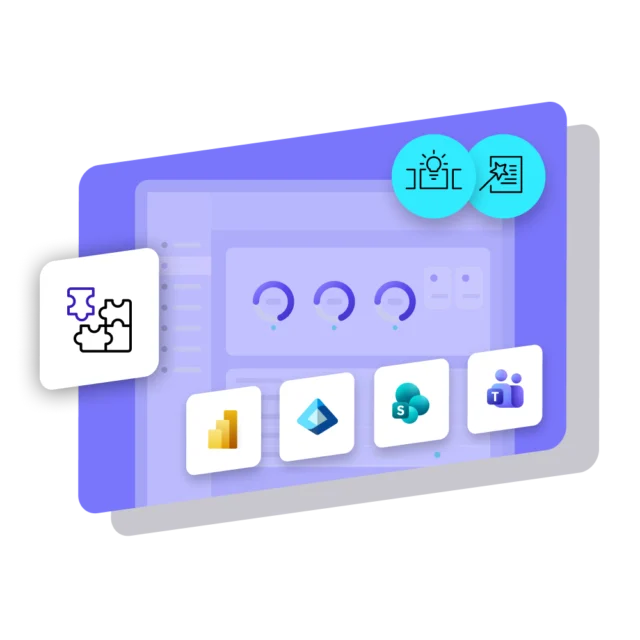
Sync content from Microsoft Teams or SharePoint straight to your screens. Announcements your staff already post don’t need to be recreated somewhere else. Set it up once, and updates keep flowing automatically. A department that already posts to a Teams channel or a SharePoint site doesn’t need a second workflow, their habits just start showing up on screen.
A platform that's there when it counts
Education life doesn’t pause for downtime. Netpresenter backs every deployment with a 99.9% uptime SLA and infrastructure hosted in the EU or US. Screens stay live through move-in week, finals, and the 2am alert. Whether you run one building or fifty across multiple campuses, the same guarantee holds, every single time.
Beyond Digital Signage for Education
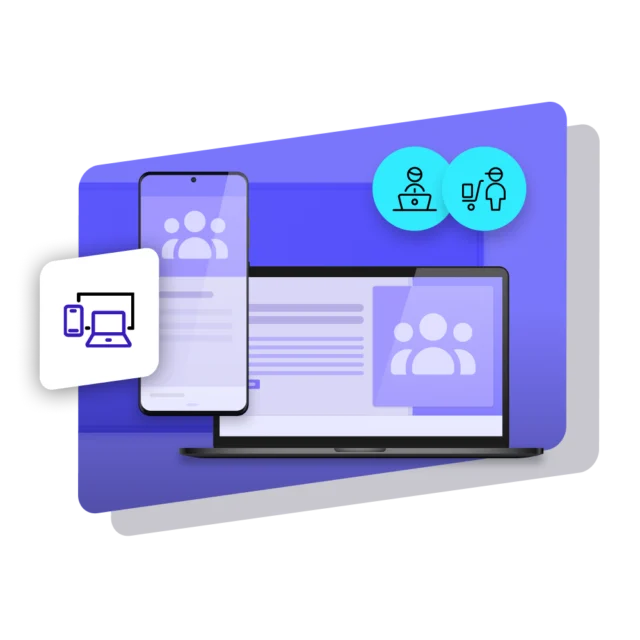
Digital Signage puts your message on every screen people walk past. But students and staff spend plenty of their day away from a hallway screen, some at a desk, others moving between buildings or working from home. Netpresenter reaches them too, through the PC (Screensaver, Lock Screen, Wallpaper) and mobile (Employee App), so students, faculty, and staff all get the same update, from one platform.
Some of our valued customers




Customer story
Texas A&M AgriLife: 50+ Screens Reached Instantly
Texas A&M AgriLife, spanning multiple Texas locations with over 6,000 students and 5,000 employees, relied on outdated screens updated manually from thumb drives. Netpresenter Digital Signage now integrates directly with SharePoint, pushing news and alerts to 50+ screens across the organization instantly.
Specific use cases of
Education Digital Signage





We value our customers,
and they value us
Netpresenter is highly rated on leading software review platforms. Read our verified customer reviews to discover why organizations choose us.
“Huge fan of Netpresenter, it has been a game-changer for our hospital”

“Easy way to connect people in the organization across all departments and disciplines”

“The Digital Signage screens in our cafeteria and other strategic locations are ideal for highlighting company news in a fun way”
Some questions
already answered
Looking for more information? We’ve collected answers to the most frequently asked questions below. If your question is not listed, feel free to reach out – we’re happy to help!
What are the main benefits of Digital Signage in education?
Screens reach students who miss emails, and keep faculty and staff up to date. A hallway screen can’t be filtered out, and nobody needs an app or a login.
How does Digital Signage in education reach students on campus?
Through the screens they already walk past in lecture halls, the library, the dining hall, the dorm lobby and so on. Class changes and safety notices land without an inbox, an app, or a password.
What can educational Digital Signage software do beyond schedules?
Educational Digital Signage software also runs wayfinding, dining hours, event promos, and crisis alerts that override every screen, all from the same dashboard as the daily updates.
What is the best Digital Signage software for higher education?
For higher education, scale decides it. Netpresenter pushes content to dozens of buildings from one dashboard, while local staff post a room closure themselves, without central approval.
Does Digital Signage software for education work with Teams?
Posts in a Microsoft Teams channel appear on screens automatically, and SharePoint headlines turn into branded slides. Staff don’t rebuild content they already published elsewhere.