10 tips to get the most out of your Corporate Screensaver
You have a Corporate Screensaver to reach employees through the screens they work with every day, but simply enabling a Screensaver does not guarantee impact. Without a clear approach, it can quickly become background imagery that nobody consciously notices anymore. These 10 practical tips help you turn your Corporate Screensaver into a reliable and effective part of your communication strategy, so you get more value from every computer screen.
1. Choose messages that fit the channel
Not every message belongs on a Screensaver. Choose content that can be understood quickly and communicated visually, such as short reminders, campaign messages, event announcements, compliance tips, cyber security alerts, onboarding content, and employee recognition. Long policy updates or detailed instructions work less well. Use the Screensaver as a visible trigger and point employees to the intranet, Employee App, or another source for the full explanation.
2. Keep the message short and clear
A Screensaver usually gets only a brief moment of attention. Write as if employees have just a few seconds to understand the message. Put the most important information first: what is happening, who it is relevant for, when it matters, and what someone should do next. Avoid long paragraphs and internal wording that needs extra explanation. One short, clear sentence works better than a full update squeezed into a small format.
3. Make every slide easy to read
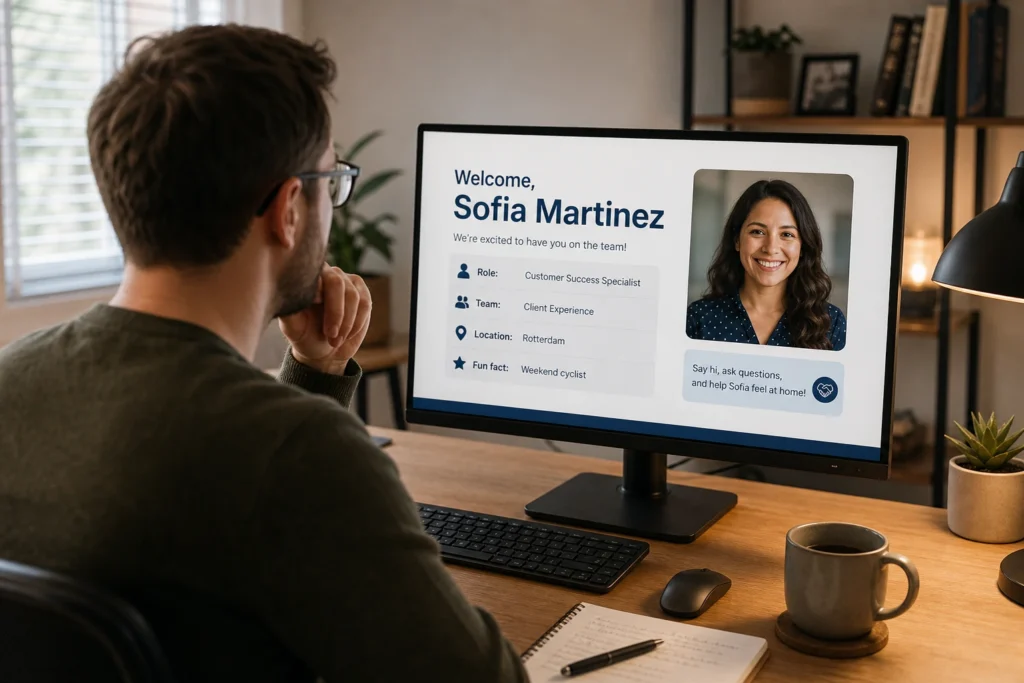
Corporate Screensavers appear on different screen sizes, resolutions, and workplaces. Use large text, strong contrast, calm backgrounds, and simple fonts. Avoid tiny disclaimers, busy photos, and visuals that push the text into the background. A good Screensaver should also be readable when someone looks at a desk from a distance or walks past a workplace. The faster the message can be scanned, the more likely it is to stick.
4. Repeat important campaigns smartly
One of the biggest advantages of a Corporate Screensaver is repetition. Employees see the same message multiple times across several days or weeks, increasing the chance that they remember it. Use this for campaigns around safety, compliance, cyber security, HR, culture, or change management. Make sure repetition does not turn into irritation: vary visuals, headlines, or angles within the same campaign. That keeps the message recognizable without making it feel exactly the same every time.
5. Vary your content mix
Combine practical, informative, and human content to keep the Corporate Screensaver interesting. Mix company news with HR reminders, safety tips, cyber security warnings, event announcements, onboarding messages, campaign content, employee spotlights, and short organizational wins. A varied mix prevents the channel from feeling like purely top-down communication. The best Screensavers inform employees, strengthen campaigns, and bring the organization closer.
6. Target messages to the right employees
Not every Screensaver message is relevant to everyone. An HR deadline may apply to the whole organization, while a safety instruction may only matter for a specific location or role. Target content by department, location, role, audience group, or device. That prevents employees from seeing too much information that is not meant for them. Relevance makes the channel stronger, because employees learn more quickly that the messages on their screen matter.
7. Schedule content and use expiration dates
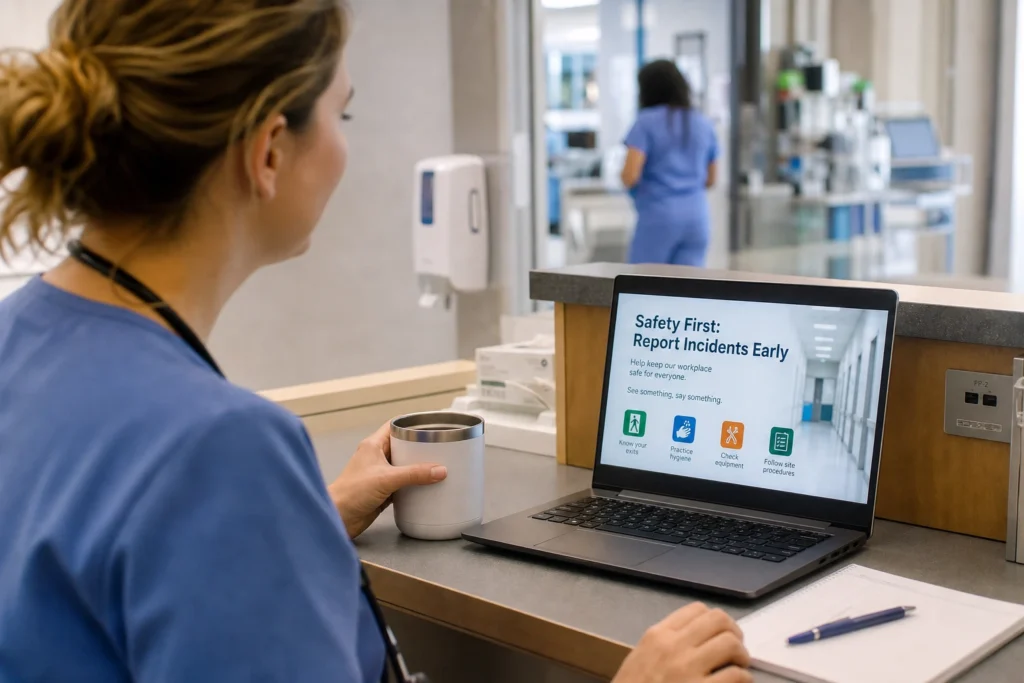
Outdated content quickly damages the credibility of your Screensaver. Schedule messages in advance and always give time-sensitive content a clear expiration date. Think of events, deadlines, campaigns, maintenance notices, and temporary instructions. Some content can stay live longer, but only if it is still accurate or updates automatically. With good planning, the Corporate Screensaver stays current without your communication team constantly having to clean things up manually.
8. Connect the Screensaver to other channels
Do not treat the Corporate Screensaver as a standalone channel, but as a visible amplifier for your broader communication. The Screensaver can attract attention and repeat the message, while other channels provide more detail or reach a different audience. This builds recognition across multiple touchpoints. Employees do not have to accidentally catch or remember the message in just one place.
9. Use clear calls-to-action
If you want employees to do something, make the action concrete. Use short calls-to-action such as ‘Complete your training,’ ‘Read the update,’ ‘Register now,’ ‘Share your preference,’ or ‘Check your details.’ Also make clear where someone should go: intranet, Employee App, form, Teams channel, or QR code. A Screensaver does not need to explain everything, but it should make the next step easy. Without a clear action, a message often remains just a reminder.
10. Measure, learn, and improve
Regularly review which content is live, which campaigns need more visibility, and where employees may still not be reached enough. Use available statistics, feedback, and campaign results to understand what works. If a deadline gets little follow-up, the message may need to be sharper, repeated more often, or targeted more precisely, using features such as Attention Boosters. Do not treat the Corporate Screensaver as something you set up once and leave alone, but as a channel you keep improving. That is how you get more value from the same screen space.
The result: computer screens that strengthen communication
When a Corporate Screensaver is managed well, it is more than a nice image that appears when a computer is not actively being used. It becomes a visible communication channel that repeats important messages, strengthens campaigns, and reaches employees without interrupting their work. With short content, strong visuals, smart targeting, good planning, and clear calls-to-action, you get more value from every screen.
That is how inactive screen time becomes effective employee communication.
Want to make your Corporate Screensaver more effective?
With Netpresenter, you can centrally create, target, schedule, prioritize, and publish visual employee communication to computer screens across your organization. Request a demo and discover how the Corporate Screensaver works or take a guided tour.