




Robust Digital Signage software for every organization
Netpresenter offers reliable, cloud-based Digital Signage software with a CMS built to match the setup and needs of any organization, whatever its type or size. Anyone on your team can publish a professional message in minutes, no manual or technical background required. Whether you run a single screen in one office or a network across dozens of locations worldwide, the platform scales with you, always on-brand, always current, and always under your control.


Create content that looks professional
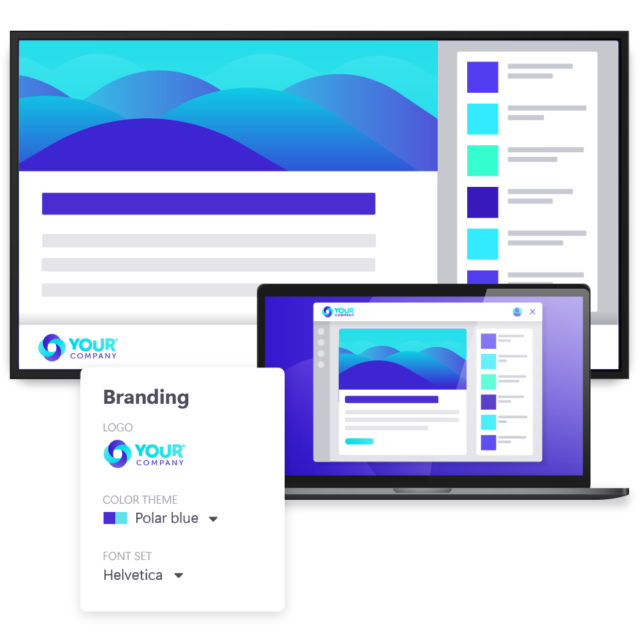
Your organization puts real effort into your corporate branding, and your screens should reflect that. With Netpresenter, your logo, colors, and fonts are applied automatically to ready-made templates built for different types of messages, from daily updates to important announcements, no design skills required. Whoever creates the message, whether that’s marketing, HR, or a colleague at the reception desk, the result is always consistent and professional, and always feels like your organization.
Target content that is accurate and relevant
Manage every screen in every office around the world from one place, without needing separate systems for separate locations. Target content per screen or audience, so the office and the warehouse each see what’s actually relevant to them, not the same generic message sent everywhere. Schedule when each message goes live and comes down automatically, so nothing outdated stays on screen a moment longer than it should, and nobody has to remember to take it down manually.
Publish content that keeps people watching
You don’t need constant inspiration to keep screens worth a second look. Connect internal sources like your intranet to show what’s already there without recreating it, and bring in external sources like social media, weather, traffic, or news headlines to keep things current. Mixing need-to-know updates with nice-to-know content means every screen gets the attention of your audiences and has something worth stopping for, without anyone having to invent something new every day.
Bring your screens to life
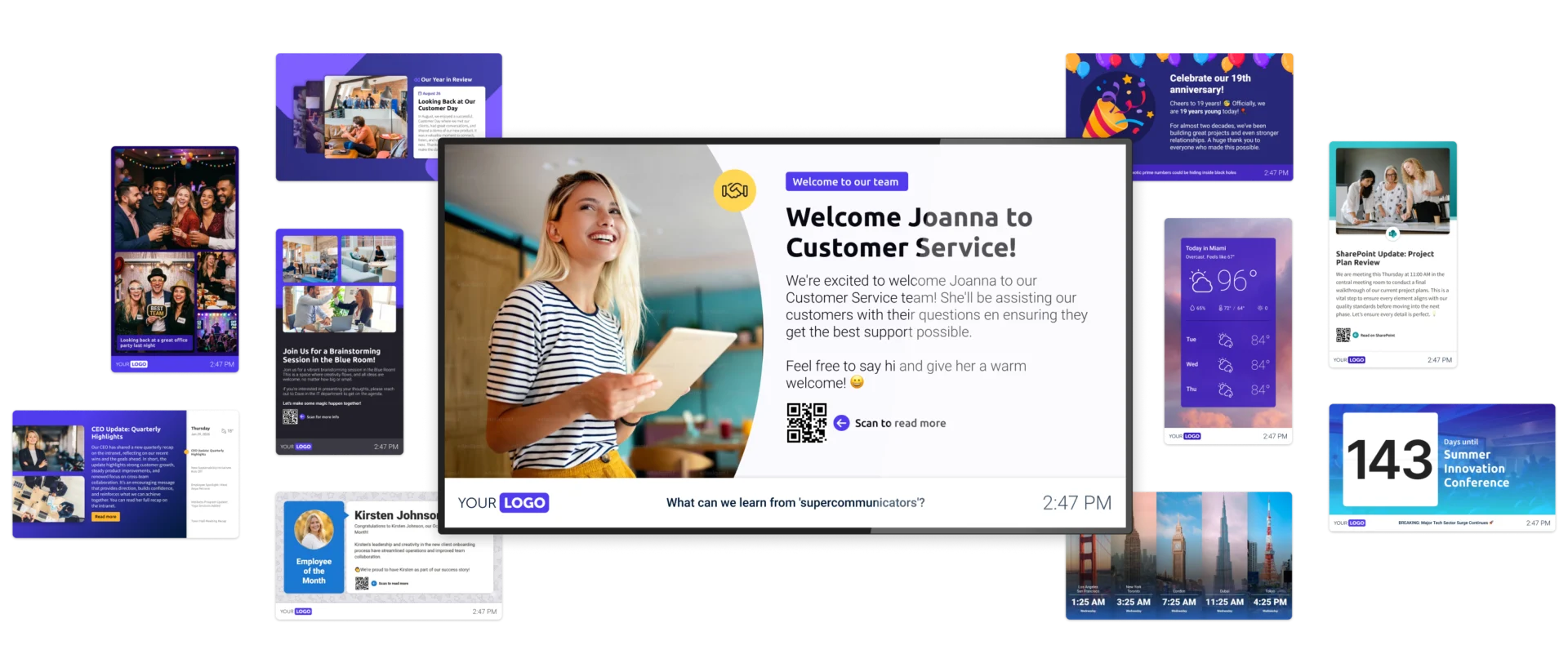
Every organization has its own story to tell, and every screen is a chance to tell it. From a quick daily update to a company milestone worth celebrating, there’s no fixed format, just what fits the moment. Whatever you want to share, chances are there’s a template ready to help you say it well. Browse the examples below, let them spark ideas, and imagine what your own screens could look like.
Digital Signage features that take
the work off your hands
Our Digital Signage software is packed with features that take the manual work off your plate, from creating content to publishing it. You get full control over every screen, without the effort that used to come with it.
Targeting
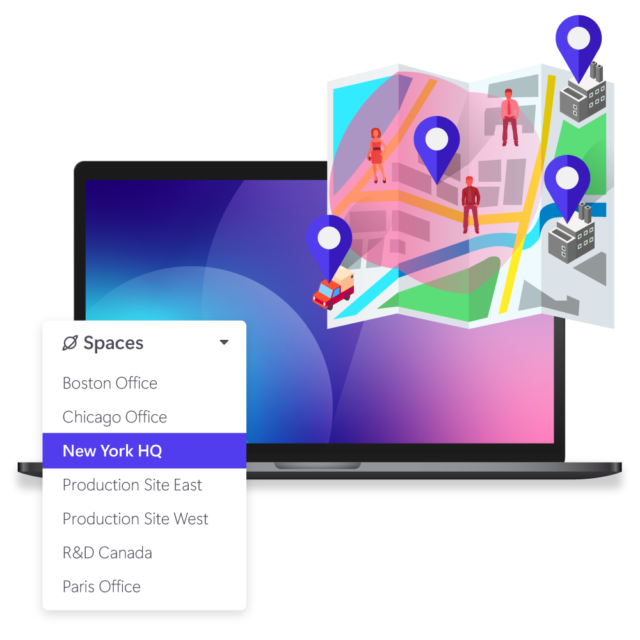
Easily create and manage content for specific screens, departments, or locations, ensuring the right message reaches the right audience. Delivering relevant content instead of one generic message everywhere keeps every screen worth paying attention to.
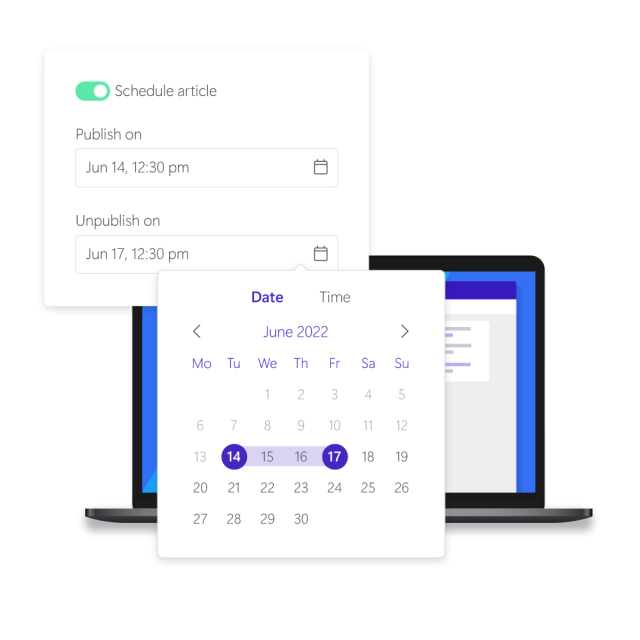
Scheduling
Set exactly when a message goes live and when it comes down, so content always shows at the right moment without anyone needing to check or remove it manually. Every screen stays accurate and current, automatically.
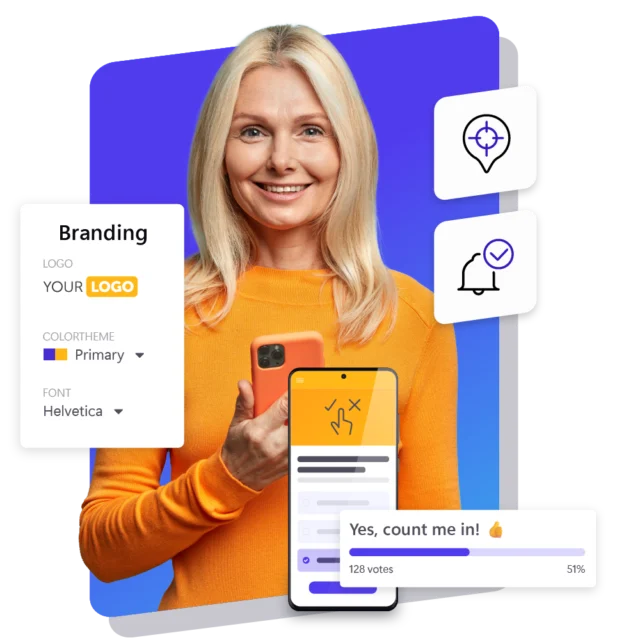
Branding
Your logo, colors and fonts are applied automatically to every template and footer, so every message looks professional and on-brand, no matter who creates it. There’s no separate design step needed before anything goes live.
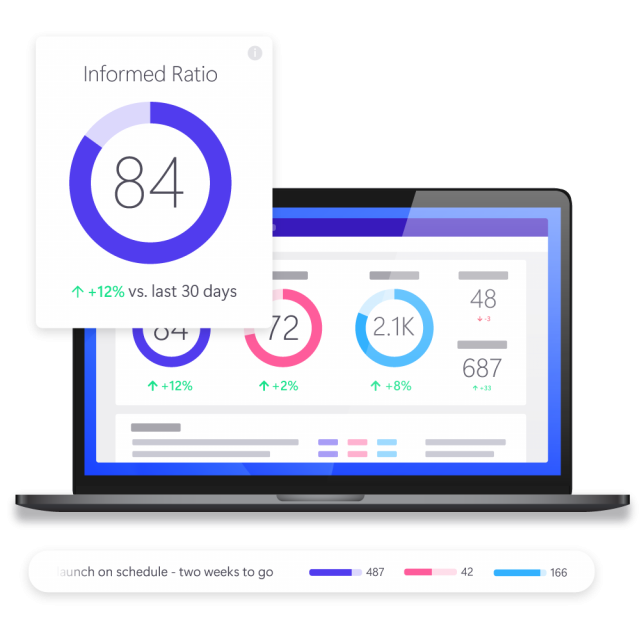
Statistics
Gain detailed insight into how your communication performs, from impressions to QR-code scans, so you always know what’s actually landing with your audience. Real data replaces guesswork about what people are seeing and doing.
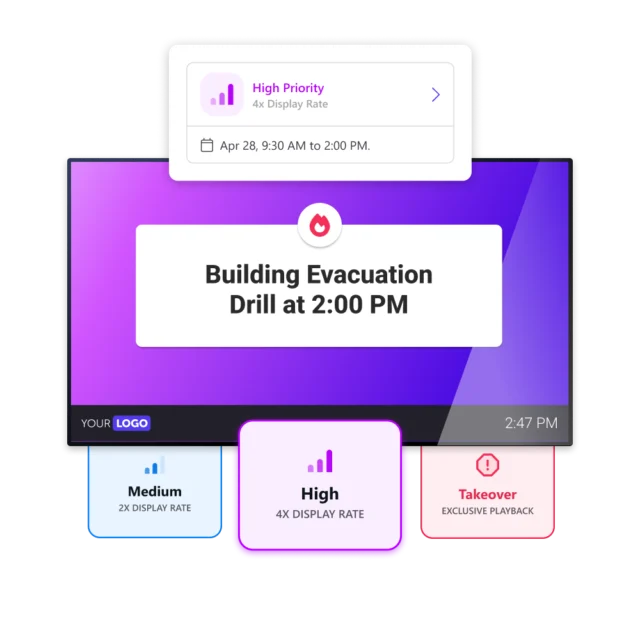
Priority
When something urgent comes up, priority mode brings that message into view more often or more prominently, without requiring you to rebuild your entire schedule. Critical information always gets seen first, exactly when it matters
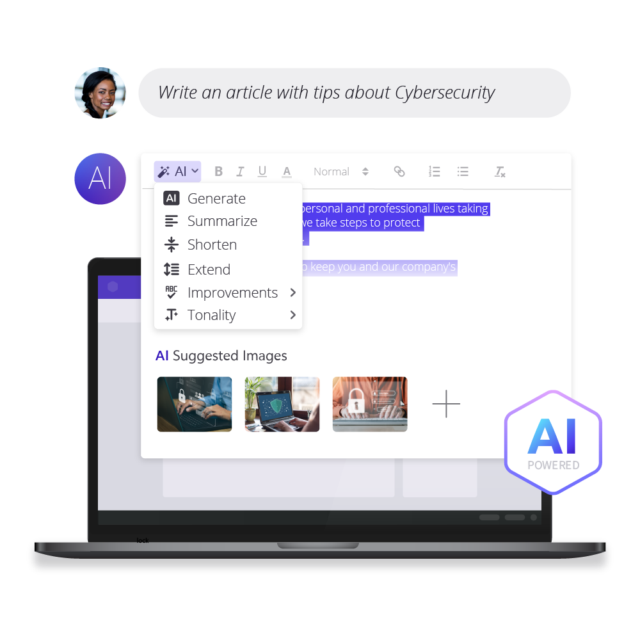
AI Assistant
Let AI help you write and shape a message, from catchy copy to fitting suggestions, so you’re never stuck staring at a blank screen. Content creation speeds up, especially for anyone without a background in copywriting.
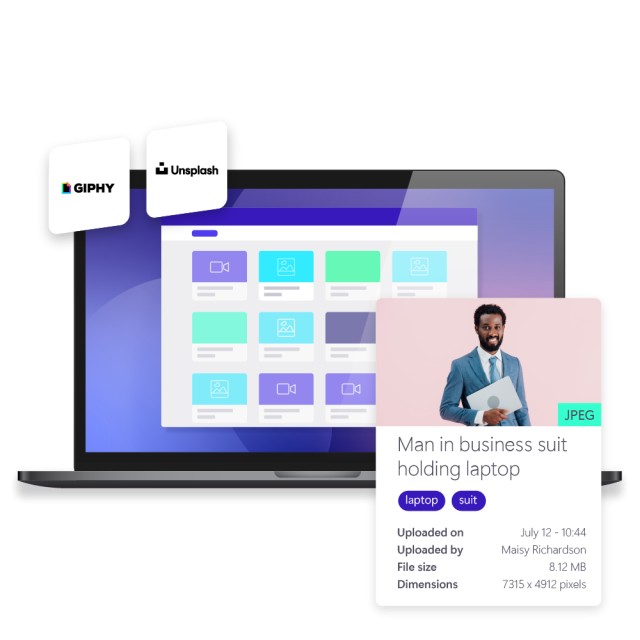
Asset Library
Every file lives in one place: images, videos, GIFs, PDFs, and documents, tagged so you can find what you need in seconds. Embed a YouTube video, add a Giphy GIF, or pull in a stock photo from Unsplash, all ready to drag straight into your next message.
More features to discover
Beyond the core features, here’s what else the platform includes




Try the software yourself
Experience how easily you can create and publish professional content to all your screens. Start your free trial today.
Integrations that keep your screens automatically up to date
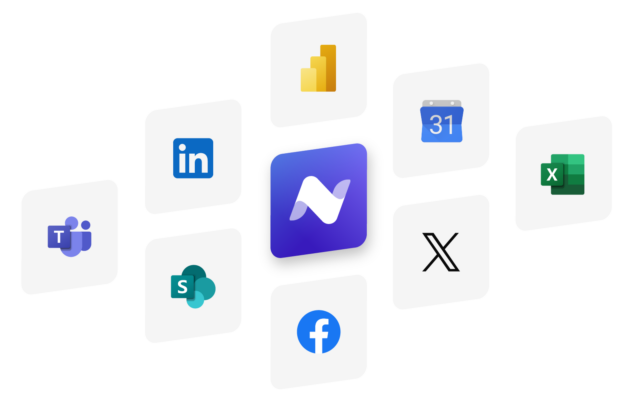
Stop entering the same information twice. Netpresenter connects to the tools your team uses and puts that content on your screens with no extra steps. Nothing needs to be republished or synced manually. Set it up once, and it runs itself.
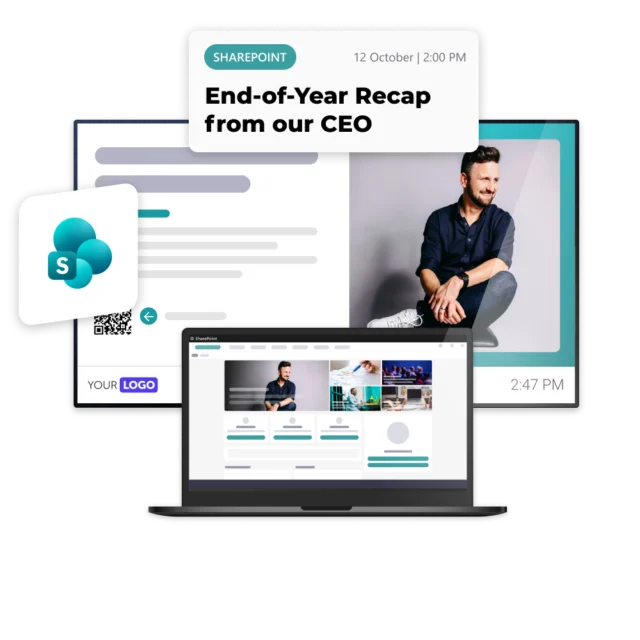
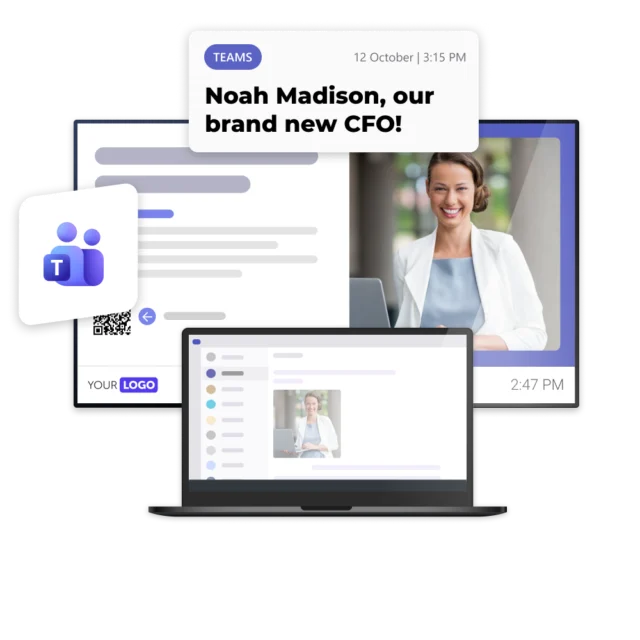
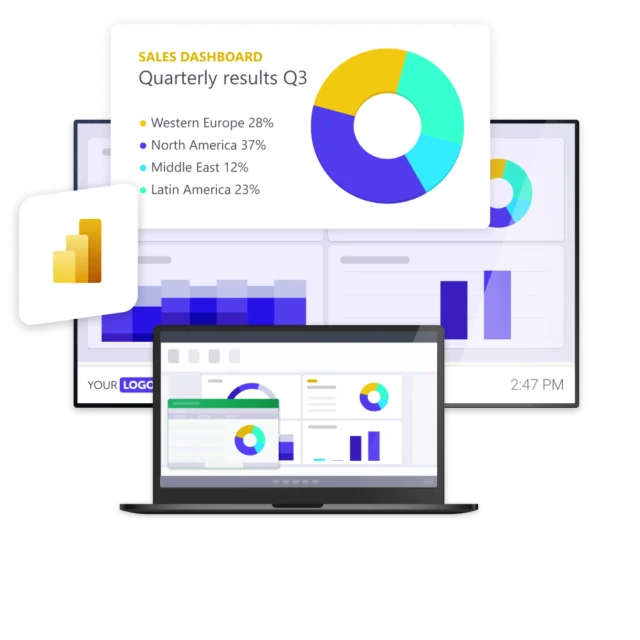
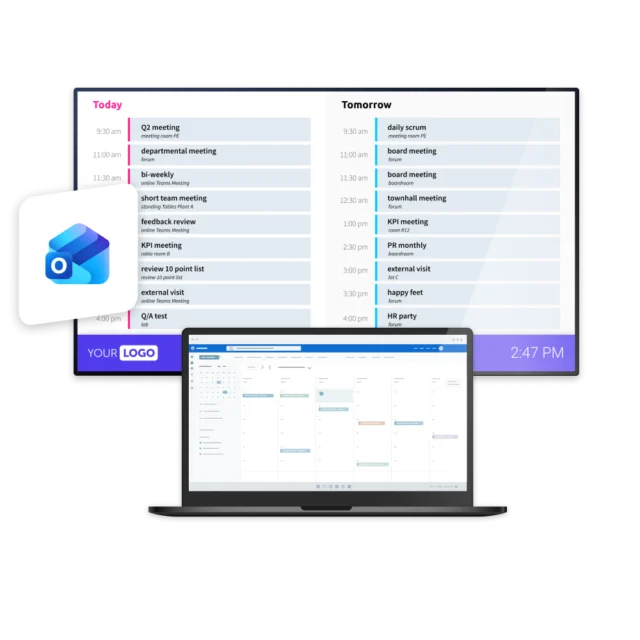
SharePoint
Show content straight from SharePoint pages and lists on your screens, so nothing that already exists needs to be recreated. Your screens stay current the moment SharePoint does, with no manual work involved on your part.
Teams
Bring updates and content already shared in Microsoft Teams onto your screens, so information reaches people beyond the channel it was originally posted in. Nothing has to be copied over or repeated manually.
Power BI
Display live Power BI dashboards and reports directly on screen, so the numbers your team already tracks become visible to everyone who needs to see them. The data updates itself, with nothing to maintain separately.
Outlook Calendar
Show upcoming meetings, events, or room bookings straight from Outlook Calendar on your screens, using information that’s already scheduled. There’s nothing extra to enter, update, or keep in sync manually.
Excel
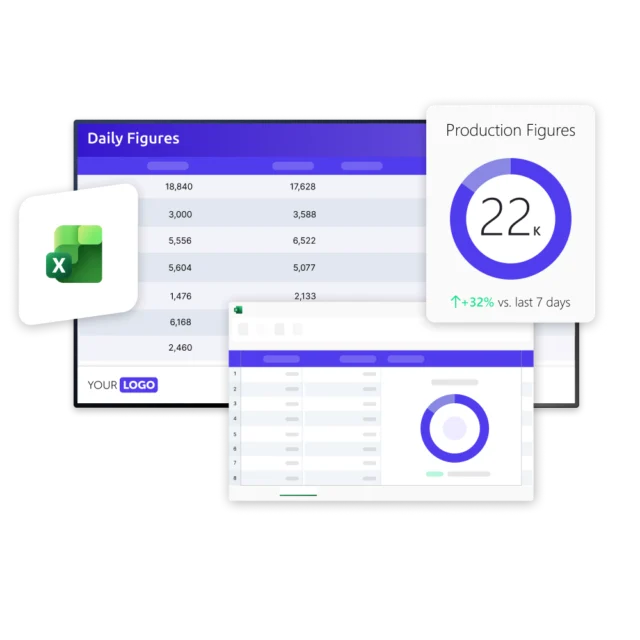
Pull data directly from a spreadsheet your team already maintains onto your screens, so it becomes visible content without any extra effort. Any update made in Excel is reflected automatically, with nothing to republish.
Social Media
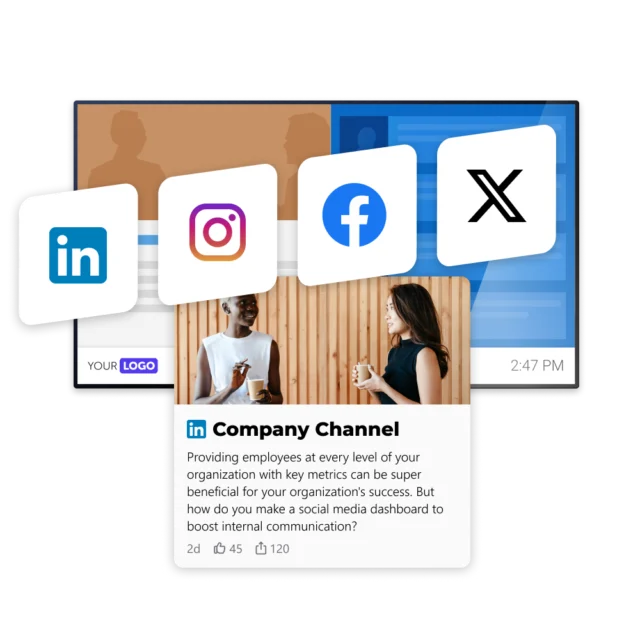
Display your latest social media posts on screen, so content you’ve already published externally also reaches the people inside your organization. New posts appear automatically, without any manual work required.
Canva
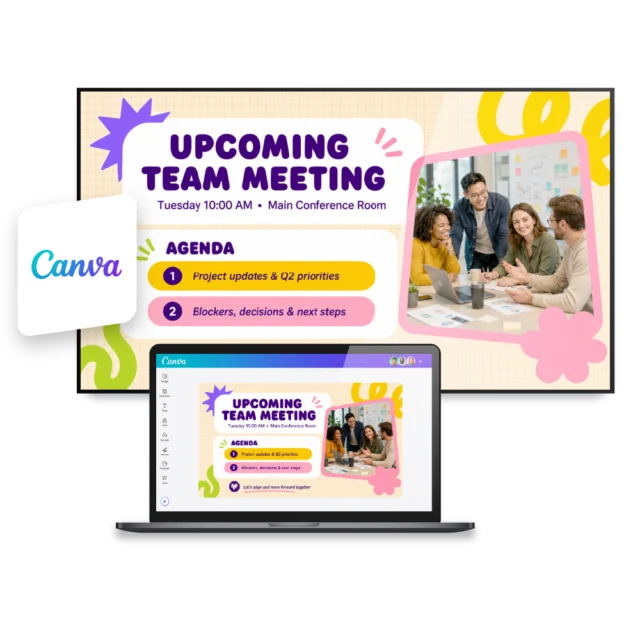
Easily showcase your Canva designs on every available screen. Turn visual content created in Canva into employee communication that gets noticed, without unnecessary manual work, extra design steps, or manual updates.
We value our customers,
and they value us
Netpresenter is highly rated on leading software review platforms. Read our verified customer reviews to discover why organizations choose us.
“Very useful software to communicate with a bigger group of employees”

“The Digital Signage screens in our cafeteria and other strategic locations are ideal for highlighting company news in a fun way”
“Netpresenter is a very user-friendly software!”
“The screensaver automatically appears when a computer is not in use, allowing all personnel to take in the latest news and become involved. That way, we make maximum use of PCs that would otherwise just show an empty screen.”

Enterprise Digital Signage software
Digital signage for enterprises means more than one person managing one screen. Our software is built for multiple teams, multiple locations, and the governance that comes with both. As your organization grows, so does the need for control: who can publish, what gets reviewed, and how everything stays secure.
How it works
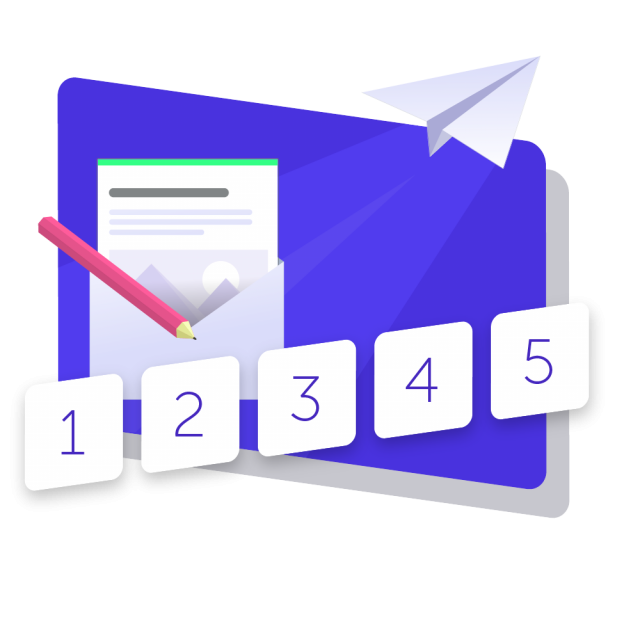
Netpresenter is designed for everyone, so no technical skills or IT knowledge are required. From creating a professional, on-brand message to publishing it, whether that’s to one screen or hundreds across your organization, it all takes just a few clicks. See for yourself how simple it is to create and share a message that reaches exactly the screens you want it to.
A Trusted Pioneer in
Employee Communications
For decades, Netpresenter has been pioneering employee communications. Organizations worldwide trust our award-winning platform.

Some questions
already answered
To provide more details about our employee communication platform, we’ve answered some common questions you might have. If your question isn’t covered here, we’d love to hear from you!
What is Digital Signage software?
Digital signage software is the platform you use to create, manage and publish content to your screens. With Netpresenter’s cloud-based digital signage software, you manage all your screens centrally, target content per screen or location, and connect integrations such as Microsoft 365. Want the complete picture? See our Digital Signage overview page.
What do I need to get started with the software?
An internet connection, a browser to access the CMS, and a screen with a device running Windows or Android. In many cases you can use devices you already have. See our hardware page for the details.
Do I need technical knowledge or IT to use the software?
No, and unlike most software that claims to be user-friendly, our customers consistently confirm it in their reviews. If you can send an email, you can publish a message with Netpresenter. It’s built so anyone can use it, from the reception desk to marketing and IT, without training or help from IT.
Can I show different content on different screens?
Yes. You target content for an individual screen or a group of screens based on location, department or audience, so every message is relevant to whoever sees it.
Can multiple teams work in the software without losing control?
Yes. Spaces let you separate content by location or business unit, and approval workflows mean content is reviewed before it goes live, so enterprise digital signage software stays manageable even with many contributors.
Does the Digital Signage software work with Microsoft?
Yes. You connect SharePoint, Teams, Power BI, Outlook Calendar, Excel and Entra ID, so your existing content and data appear automatically on your screens. See the Microsoft integration page for the full overview.
Is this Digital Signage software secure enough for large organizations?
Yes. As enterprise digital signage software, it includes single sign-on, role-based permissions, and certified security (ISO 27001:2022, NIS2), with content stored locally so screens keep playing even if the network drops.
What are the technical requirements to run the software?
Requirements depend on your setup, screens, and network. See our Support Center for the full technical requirements to run the playback software.
Can I use the CMS on my phone?
Yes. Our CMS is mobile-friendly, so you can create and publish content on the fly, right from your phone, without needing to be at a desk.
What does the Digital Signage software cost?
Pricing is per screen, with no hidden fees. Implementation, onboarding, training, support and updates are always included, so your costs stay predictable as your organization grows. See the pricing page for more.