
Benefits of Government Digital Signage
Not everyone in a government organization has a desk, or a login. Screens in the lobby, the hallway and the break room reach people on their way past, without interrupting their work. Government Digital Signage enables to manage updates from one place and keep them visible and current, so they don’t sit forgotten on a noticeboard or get buried in an overflowing inbox.



Digital signage examples
for government
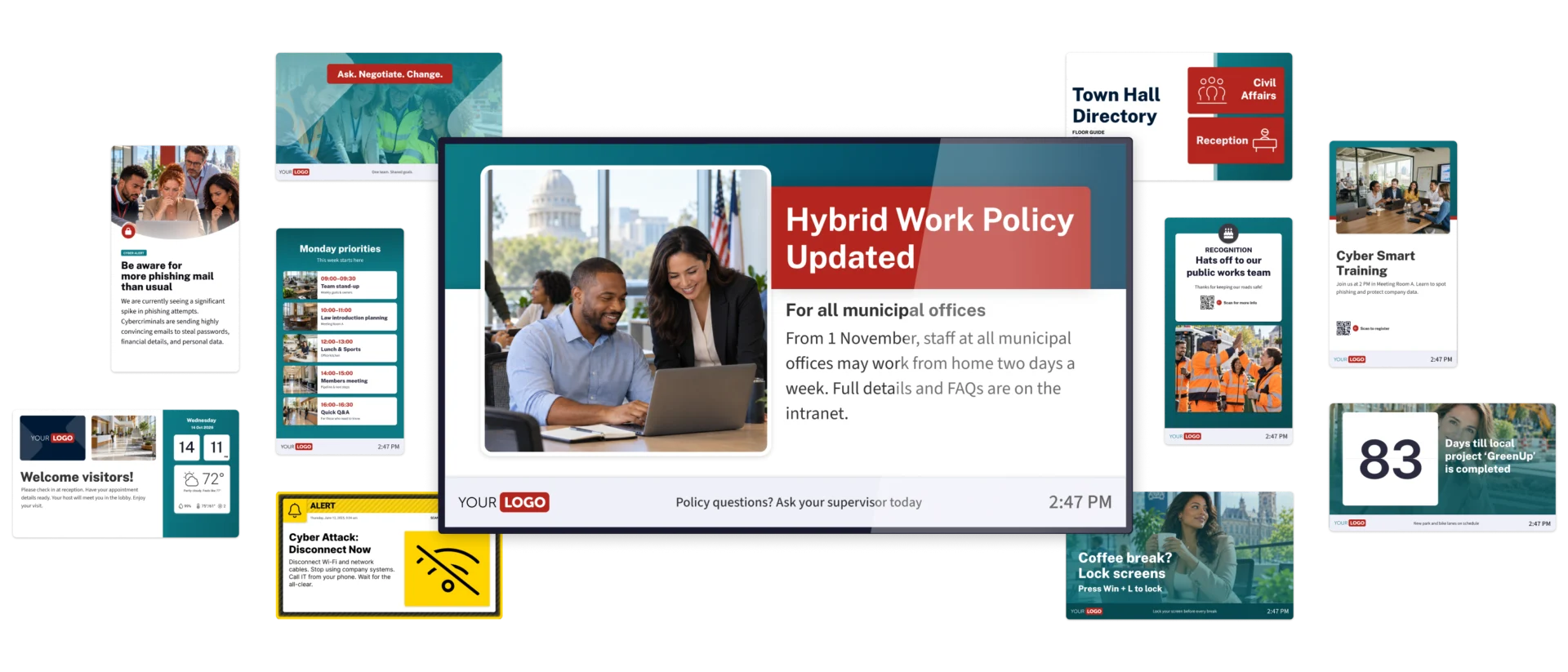
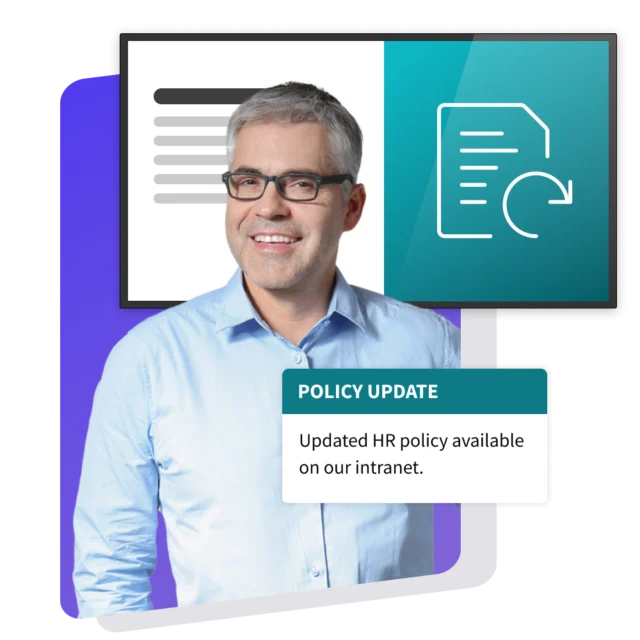
A policy update on screens across municipal offices. Progress on local projects in the staff break room. A cybersecurity reminder where employees grab their morning coffee. Recognition for the public works team keeping roads safe. Use these government Digital Signage examples as inspiration, then run with it. There’s no limit to what a screen can show.
Why government organizations
choose Netpresenter
From city hall to public works depots, employees need information relevant to their work. Netpresenter brings government Digital Signage together in one platform, so you can share organization-wide news, tailor updates to each location, and display urgent alerts when action is needed. Manage every screen from one CMS, whether your teams work in a single building or across an entire region.

One platform for the news and the crisis
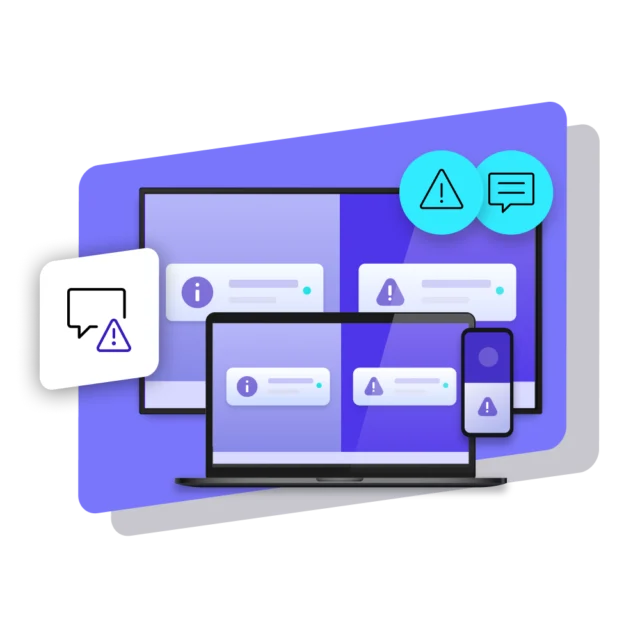
Most weeks it’s service updates, safety reminders and the council agenda. The day a building has to be evacuated, the same screens switch to instructions in ANSI safety colors, sent to the affected site from a pre-set scenario. Day-to-day news and crisis alerts run from one CMS, so the team doesn’t have to learn a second tool when it matters.
Central and local publishers in one CMS
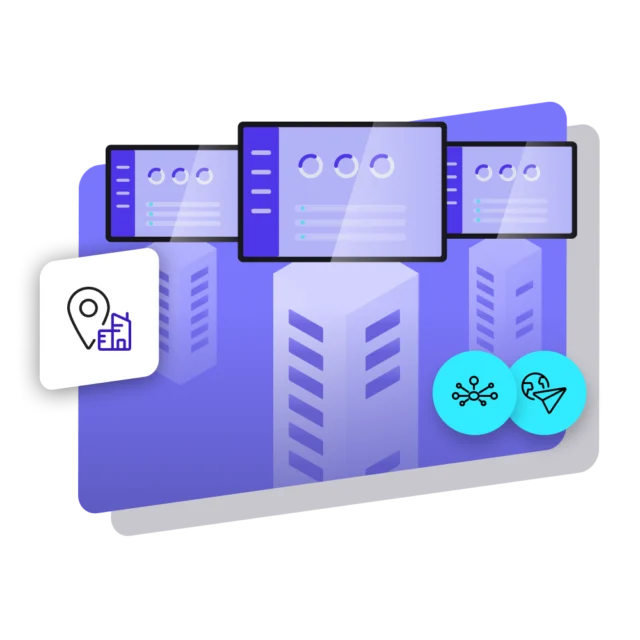
Head office publishes for the whole organization. The depot or a field office publishes for its own screens only. Role-based permissions decide who can post where, so local teams keep their notices current without touching anyone else’s screens. From the CMS you can also see what each screen is playing right now, so a stuck waiting area screen gets spotted by head office, not by a citizen.
Each screen shows what its spot needs
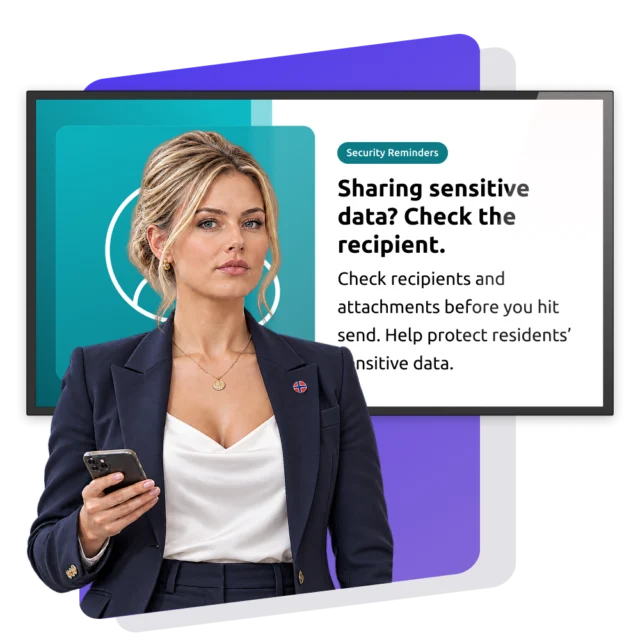
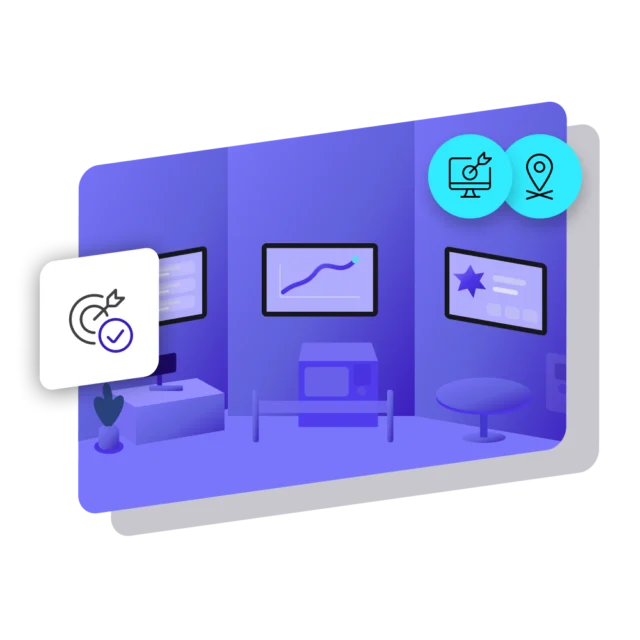
Content can be targeted to the whole organization, a specific location, a department or even a single screen. Picture a typical Tuesday: the permit counter displays service notices, the depot entrance shares safety updates, and the lobby welcomes visitors with directions. Meanwhile, a cybersecurity alert appears on screens throughout the town hall’s offices. All managed from the same CMS, with the right content on each screen.
Security and compliance you can verify
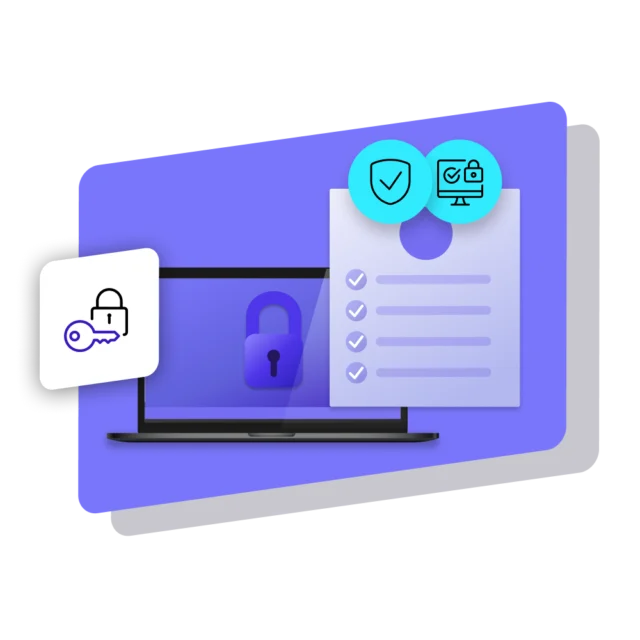
Public bodies want proof of security before a screen goes live. Netpresenter is ISO 27001:2022 certified, GDPR compliant and NIS2 Supply Chain registered. Hosting is in the EU by default (US available). Entra ID single sign-on, two-factor login and role-based permissions control who can publish, and an audit log keeps a record of every change.
Connected to the systems you already run
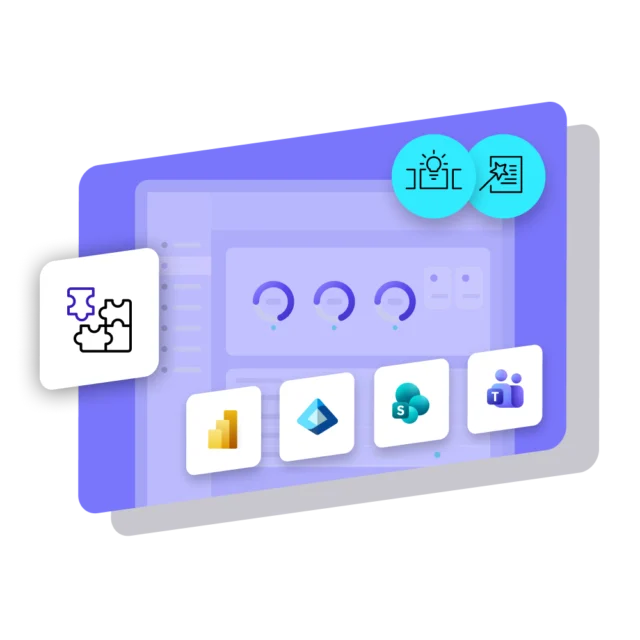
A SharePoint news article becomes a slide with a QR code back to the full text, no copying needed. Teams channels and Power BI reports can feed the screens as well, Excel sheets bring in figures, and RSS feeds bring in local headlines. That’s how government Digital Signage software strengthens the tools you already have instead of becoming one more system to feed.
Uptime to count on
Public buildings are open all year long, so the screens in them can’t take a day off. Netpresenter guarantees 99.9% uptime for the cloud service and encrypts data at rest and in transit. Backups are automated and stored in a redundant location, and external security audits run on a regular basis. Content is your team’s call. Keeping the platform healthy is ours.
Beyond Digital Signage for Government
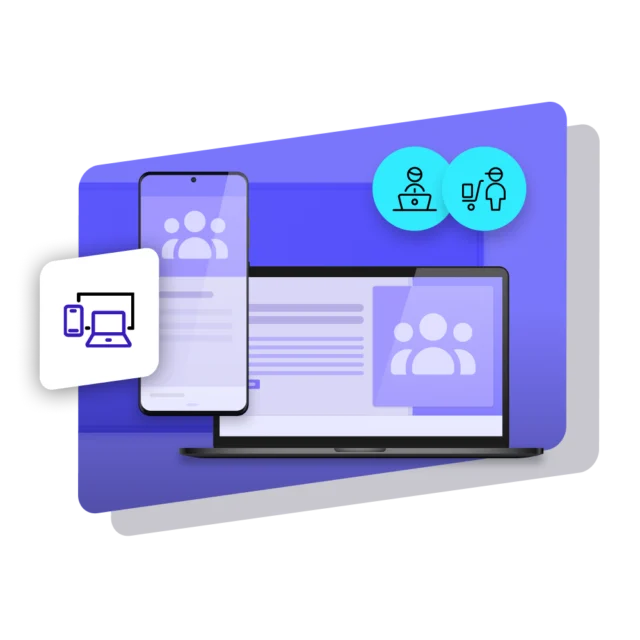
Not everyone in government organizations is near a TV screen. Some work in the field, some sit at a desk all day, others work from home. Netpresenter reaches these people too via PCs (Screensaver, Lock Screen, Wallpaper) and mobile devices (Employee App). Office staff, field teams and everyone in between get the message meant for them, published once from one platform.





Customer story
United States Government Publishing Office: 50 screens that move news beyond print
The U.S. Government Publishing Office adopted Netpresenter in 2008, after print and electronic channels did not reach a large part of its staff. Content now runs 24/7 on 50 wall-mounted monitors, desktop screensavers and kiosks in production areas. 57% of employees say communication improved “a great deal”.
Specific use cases of
Government Digital Signage




We value our customers,
and they value us
Netpresenter is highly rated on leading software review platforms. Read our verified customer reviews to discover why organizations choose us.
“An one-in-all solution. Not only digital signage, but a desktop app and mobile app in one!”

“Easy way to connect people in the organization across all departments and disciplines”
“The Digital Signage screens in our cafeteria and other strategic locations are ideal for highlighting company news in a fun way”


Some questions
already answered
Looking for more information? We’ve collected answers to the most frequently asked questions below. If your question is not listed, feel free to reach out – we’re happy to help!
Can Digital Signage help with government employee engagement?
Yes, because it reaches people who never open email or just miss one. Screens in busy areas like break rooms and at entrances show news, recognition and team wins right where people pass, so staff see what’s going on.
What is Digital Signage for government organizations used for?
Digital Signage for government puts staff news, service notices, wayfinding and crisis alerts on screens in lobbies, hallways and break rooms, so people actually see them.
How does emergency communication for local government work through Digital Signage?
In the case of a crisis, all Digital Signage screens can be taken over to show the alert, including instructions on what to do for those involved in the crisis. Through a pre-set scenario, based on priority levels in the same CMS, this can be implemented in seconds.
How does government Digital Signage software use SharePoint?
Netpresenter picks up SharePoint articles and publishes them as slides after a one-time setup, each with a QR code to the full article. Teams posts and Power BI dashboards can appear too. No double input, maximum visibility.
Is government Digital Signage secure enough for public bodies?
Yes. Netpresenter is ISO 27001:2022 certified and GDPR compliant, with hosting in Germany (EU) by default and hosting in the US available. Single sign-on via Entra ID, two-factor login and role-based access limit who can publish to which screens, and an audit log tracks every change. Uptime is guaranteed at 99.9%.