

Benefits of Office Digital Signage
People don’t go looking for news, they need to walk into it. Digital Signage turns those few seconds in the hallway, the kitchen and the lobby into the moments that keep everyone informed and aligned, on every floor and in every office, without adding another email, another app or another disruption to anyone’s day.




Digital signage examples
for the office
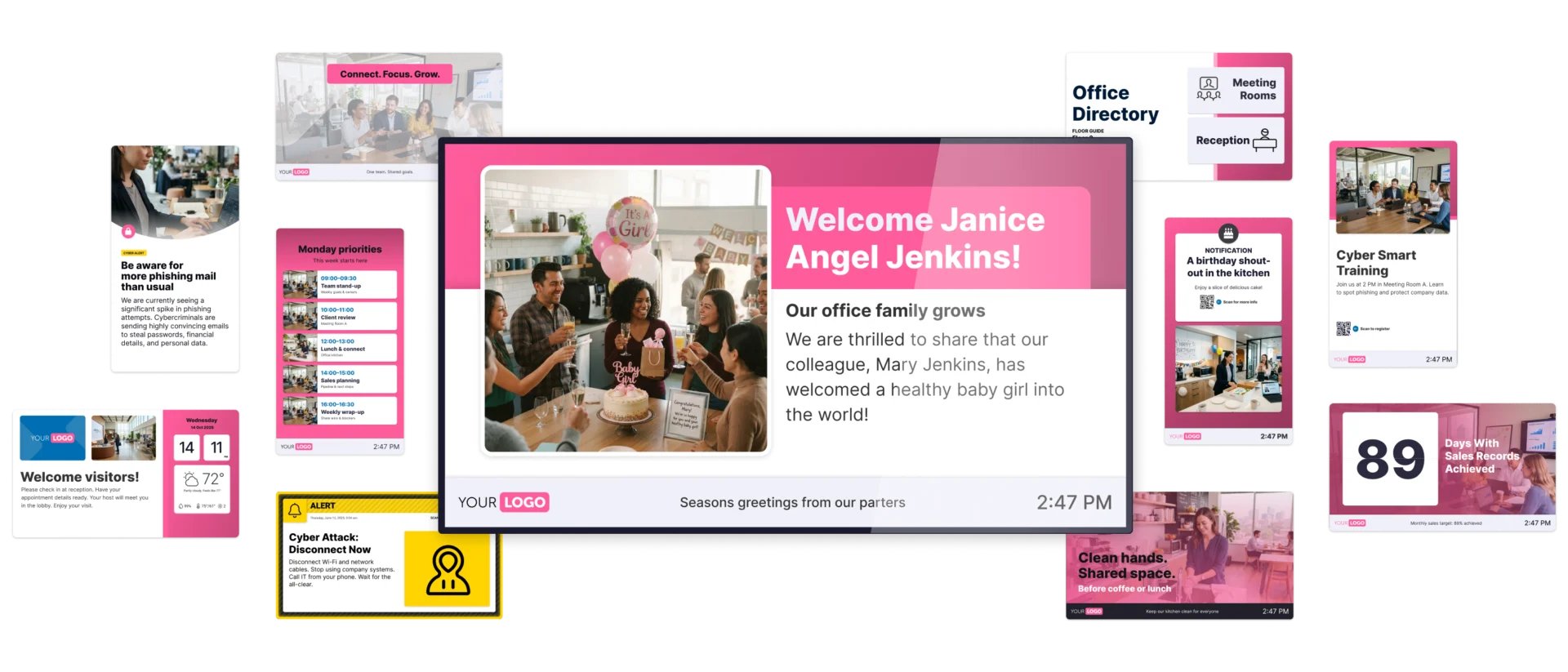
Monday’s priorities in the hallway. A birthday shout-out in the kitchen. Live sales numbers at the sales department. A proper welcome in the lobby for today’s visitors. Have a look at these corporate Digital Signage examples for inspiration. The possibilities are endless.
Why office-based organizations
choose Netpresenter
Offices need communication that people actually read, on every floor and in every location, and that holds up when something goes wrong. That’s why teams run their daily communication and their crisis alerts on Netpresenter. Whether it’s a single office or a network of sites, our platform makes it all work from one CMS.


Daily news and crisis alerts, one platform
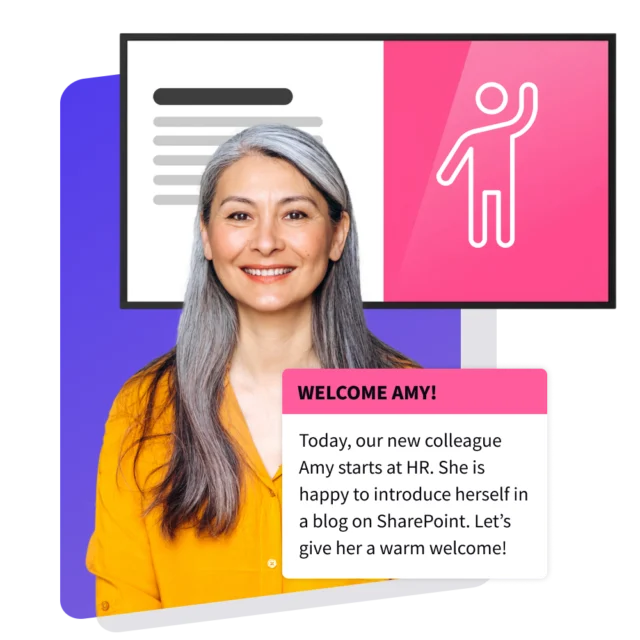
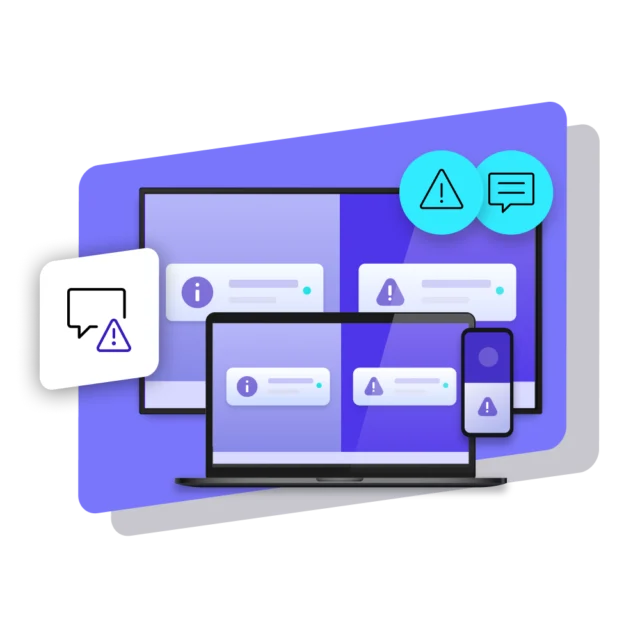
The screen that shows this week’s news also carries your crisis alert. A cyber attack, a security incident, an evacuation: one click on a pre-set scenario takes over every screen, or just the affected building, in ANSI safety colors. Priority levels set how hard it hits, and your communications team runs the drill in the same CMS they used for Monday’s news.
Manage every floor and office from one place
Run corporate Digital Signage for one office or fifty from a single CMS. Group screens by location or department, then decide per message who sees it: the whole company, one country or just one department. Central monitoring shows what’s playing on every screen, and outdated posts unpublish themselves on schedule, so nothing stale lingers by the coffee machine.
Show the right message on the right screen
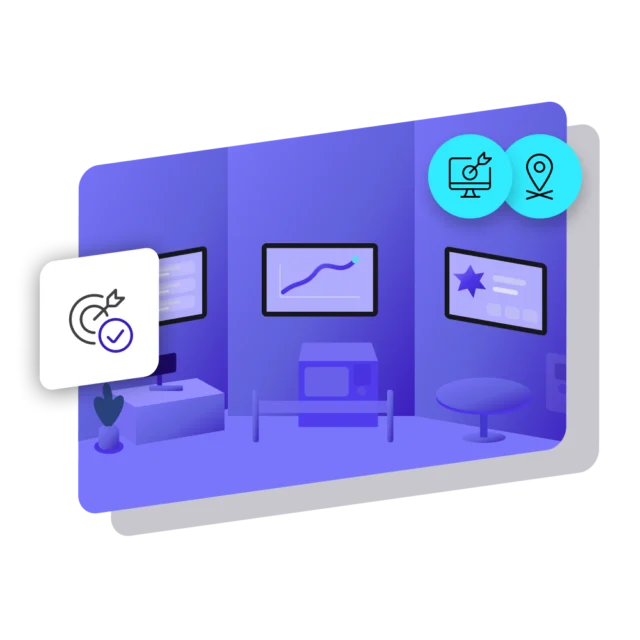
Hallway screens need company news and reminders. The kitchen needs the lunch menu and a birthday or two. The lobby needs a proper welcome. Targeting per screen puts each message where it’s useful, so visitors never see internal figures, and the sales floor never sees the reception welcome message. This way, screens fit their audiences.
Security your IT team will sign off on
IT will want proof before a single screen goes live. Netpresenter is ISO 27001:2022 certified, NIS2 Supply Chain registered and GDPR compliant, with EU hosting by default (US available). SSO via Entra ID, two-factor login and role-based access decide who can publish what, and a full audit log records every edit, publish and delete.
Built around the tools you already use
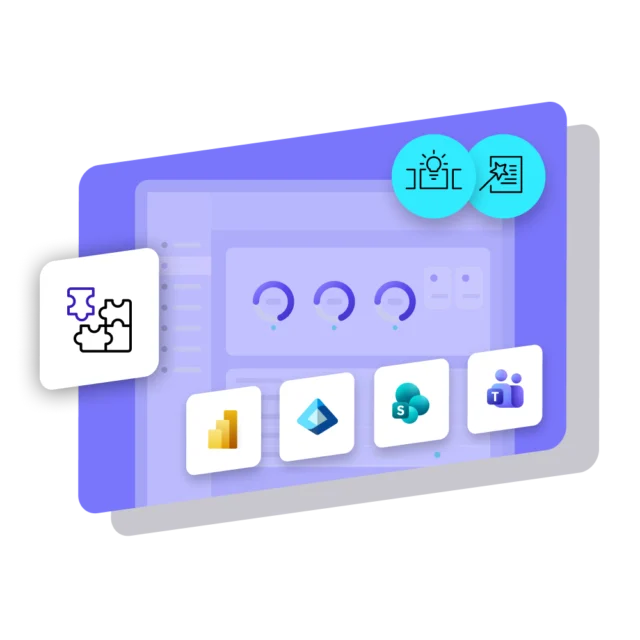
SharePoint news turns into slides automatically, Teams posts appear without a second publish, and Power BI dashboards stay live on the screen. Excel sheets and RSS feeds plug in too, so figures never get retyped and news never gets created into three places. This way, corporate Digital Signage saves work, while boosting visibility.
A partner who keeps the screens running
Screens in the office have to work every day, not just on launch day. Netpresenter backs the platform with a 99.9% uptime SLA, continuous infrastructure monitoring, encrypted backups in a second location and regular external security audits. You decide what goes on the screens. We keep the platform behind them stable and secure.
Beyond Digital Signage for Offices
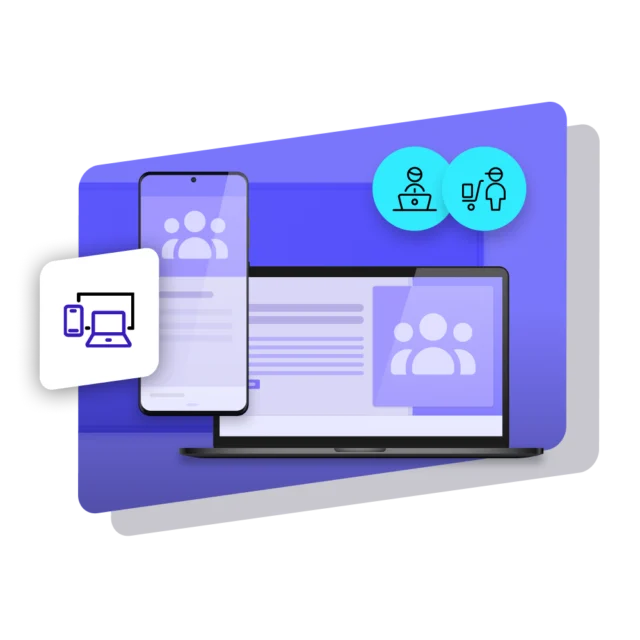
Digital Signage reaches everyone who walks past a screen. But not everyone is in the building. Some work outside the office, and others work from home. Netpresenter reaches them too, on the PC (Screensaver, Lock Screen, Wallpaper) and mobile (Employee App), so every employee gets the message they need.
Some of our valued customers




Customer story
Saskatchewan Research Council keeps employees and visitors up to date through Digital Signage
Saskatchewan Research Council (SRC) runs Netpresenter on 300 PC screens and 11 flat panels in labs, reception areas and the IT department, across three cities. Visitors see it too, even in the CEO’s reception area. Staff quote it in the hallways, and many message ideas come from employees themselves.
Specific use cases of
Office Digital Signage




We value our customers,
and they value us
Netpresenter is highly rated on leading software review platforms. Read our verified customer reviews to discover why organizations choose us.
“Easy way to connect people in the organization across all departments and disciplines”

“The Digital Signage screens in our cafeteria and other strategic locations are ideal for highlighting company news in a fun way”
“We now only need one system for our digital signage screens and cell phones and PCs”


Some questions
already answered
Looking for more information? We’ve collected answers to the most frequently asked questions below. If your question is not listed, feel free to reach out – we’re happy to help!
What is workplace Digital Signage used for in an office?
Workplace Digital Signage puts company news, KPIs, recognition, training and crisis alerts on screens in hallways, kitchens and lobbies, so staff is informed without opening an email.
Can meeting room Digital Signage also show crisis alerts?
Yes. Alerts take over every screen in a chosen location, meeting room displays included, with instructions in ANSI safety colors. With Netpresenter this can be done with pre-set scenarios from the same CMS that sends the everyday news.
Can Digital Signage for internal communications show Teams posts?
Yes. Netpresenter shows posts from a connected Teams channel on your screens after a one-time setup, and edits or deletions in Teams sync across. SharePoint news, Power BI and more also appear automatically.
What should reception Digital Signage show to your visitors?
A welcome in your branding, news about the company and a QR code for more. Targeting is per screen, so the lobby can show something different from the hallway screens.