
The Benefits of Logistics Digital Signage
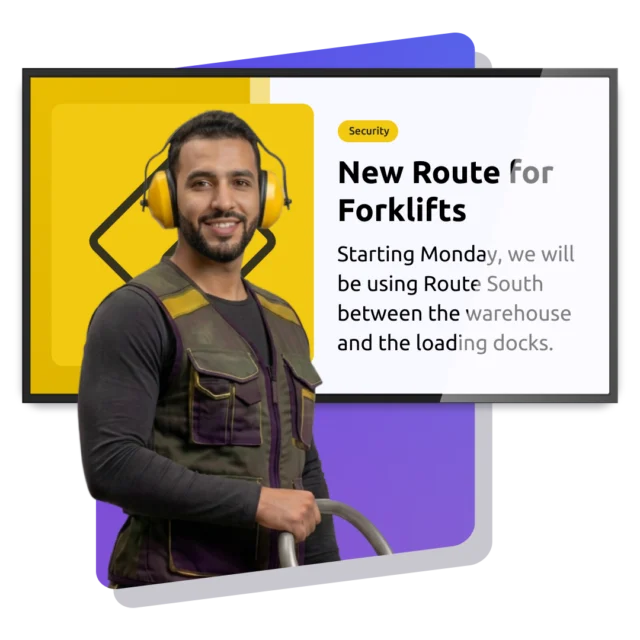
Screens on the floor do something email can’t. They reach people mid-task, without asking anyone to stop, log in, or go looking for information. Warehouse Digital Signage turns the wall by the pick face, the canteen TV and the board at the dock into one channel. You publish once. Every shift sees the same thing, at every site.




Digital signage examples
for logistics
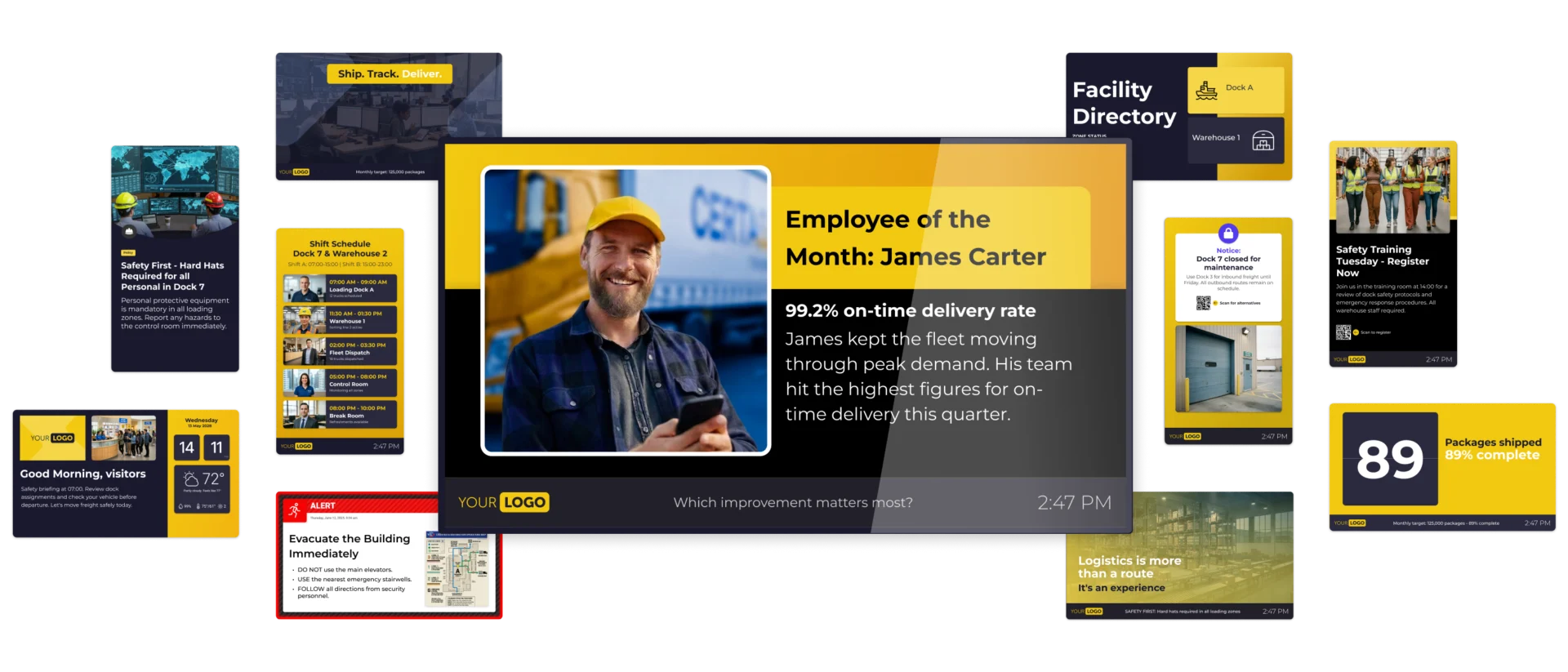
Seeing is believing. A handover board at the dock. A safety counter in the aisle. A live throughput tile in the canteen. A welcome screen for the driver who just pulled onto the yard. Every organization runs differently, so the screens do too. Browse the examples, then build the ones only your site needs.
Why logistics organizations
choose Netpresenter
Plenty of tools can push a schedule to a screen. The best Digital Signage software for logistics runs the whole spread: the daily updates that keep a warehouse moving, and the crisis alerts that clear a building when something goes wrong. One platform, one dashboard, from the pick face to the yard to the loading dock. Here’s what that looks like once it’s live across your sites.
Everyday and crisis updates in one platform
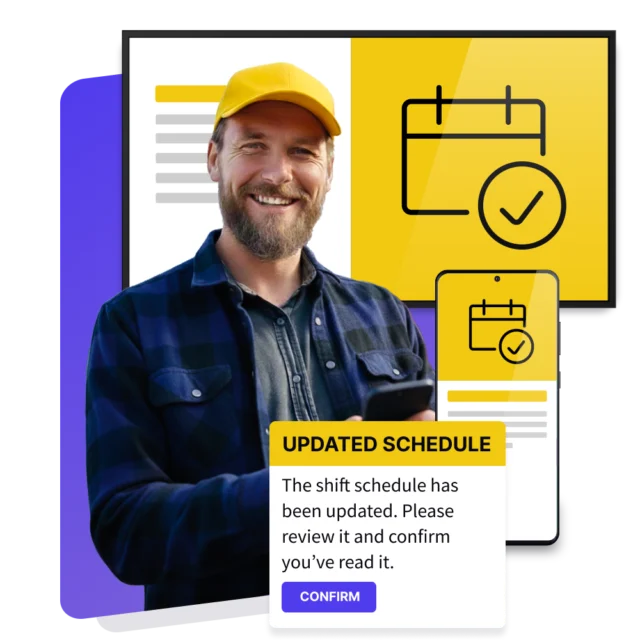
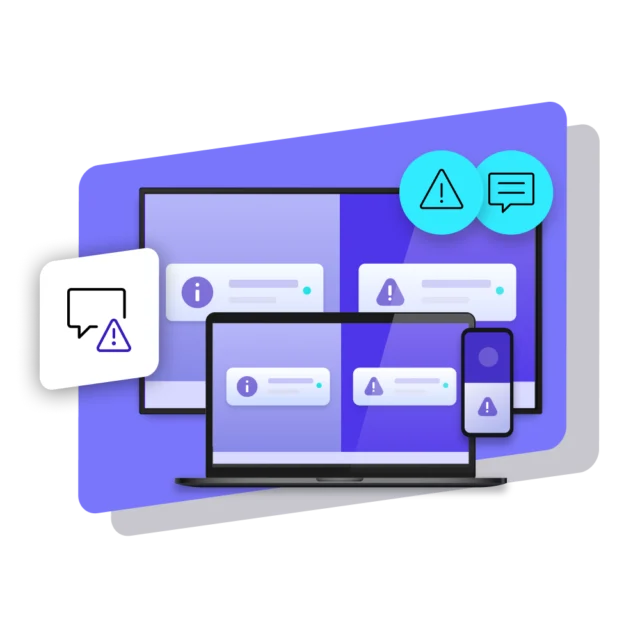
Most sites run two systems: something for the weekly news, something else for crises. The alerting system gets tested twice a year and nobody remembers how it works. Netpresenter runs both from the same CMS. The people publishing the shift schedule on Tuesday are the people who trigger the evacuation alert on Friday, using an interface they already know. No separate login, no dusty runbook.
Built to scale across every site you run
One distribution center or thirty, the model doesn’t change. Head office publishes what has to be identical everywhere: safety standards, company news, policy. Site managers publish what’s local: today’s dock assignments, the canteen menu, the team that hit target. Both land on the same screens without anyone emailing a file around, and the CMS shows what’s playing on every screen.
The right content on the right screen
A screen in the freezer aisle and a screen in the driver waiting area have almost nothing to say to each other. Target by location, department, or individual device, so the pick face gets pick-face content and the yard gets yard content. Schedule it to the shift pattern, set it to unpublish itself when it goes stale, and stop cleaning up after last month’s notices.
Security your compliance team can sign off
Netpresenter is ISO 27001:2022 certified across the platform, the company and its processes, registered for NIS2 Supply Chain, GDPR compliant and built with privacy by design. Hosting sits in Germany by default, with a US option, on a 99.9% uptime SLA. SSO through Windows credentials or Entra ID, 2FA, role-based access control, and encryption in transit and at rest are all built in.
Fits into the systems you already run
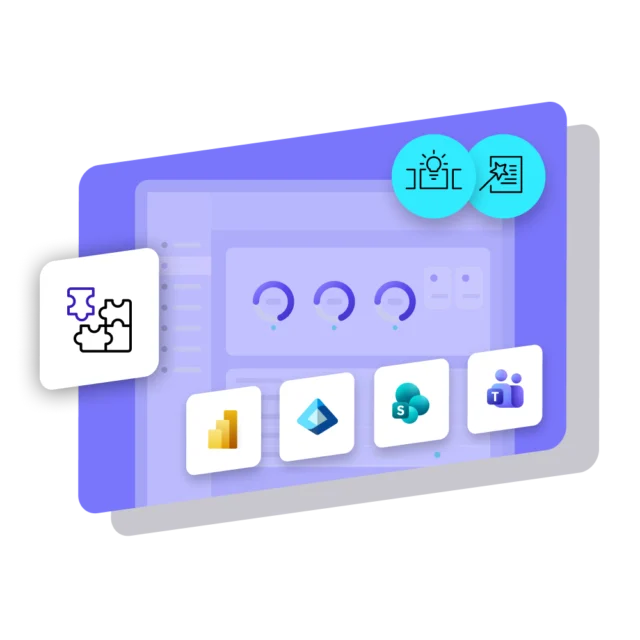
Nobody wants to create things twice. Post in a Teams channel and it appears on the warehouse screens. Publish to SharePoint and it turns into a branded slide for the people who will never open SharePoint. Pull live figures from Power BI or Excel and display key figures outside the board room.
A partner that sticks around after go-live
Employee and emergency communication is all we’ve done since 1995. Logistics organizations worldwide rely on us and stay with us for many years. You get a platform built for uptime, security, and compliance, with dedicated support that knows your environment and is there when it matters.
Beyond Digital Signage for logistics
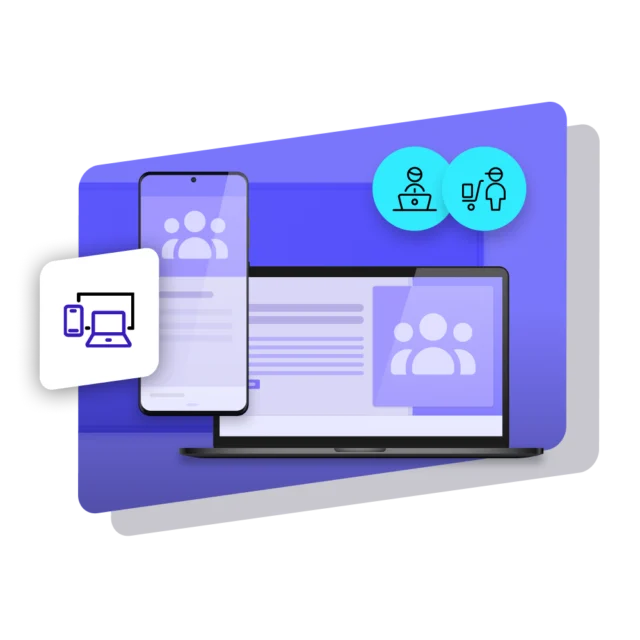
Digital Signage catches people walking past a screen. Plenty of your people aren’t. Planners and schedulers sit at a PC all day. Drivers and remote operators carry the job around with them. Netpresenter reaches them too, via the PC (Screensaver, Lock Screen, Wallpaper) and on mobile (Employee App). One platform, one publish, and the dock crew and the planning office hear the same thing.
Some of our valued customers





Customer story
Rotterdam World Gateway: intranet more popular than ever thanks to Netpresenter
Rotterdam World Gateway handles 2.35 million containers a year at its Port of Rotterdam terminal, with 250 employees. Screens in the office buildings and out on the container terminal now carry the same intranet news, terminal KPIs, and weather that used to stop at the desk, reaching truck drivers and operators who never had a workstation.
Specific use cases of
Logistics Digital Signage






We value our customers,
and they value us
Netpresenter is highly rated on leading software review platforms. Read our verified customer reviews to discover why organizations choose us.
“An one-in-all solution. Not only digital signage, but a desktop app and mobile app in one!”

“The Digital Signage screens in our cafeteria and other strategic locations are ideal for highlighting company news in a fun way”
“Easy way to connect people in the organization across all departments and disciplines”
Some questions
already answered
Looking for more information? We’ve collected answers to the most frequently asked questions below. If your question is not listed, feel free to reach out – we’re happy to help!
What is Digital Signage for logistics most commonly used for?
Shift handovers, safety reminders, live throughput figures and crisis alerts, aimed at the people email never reaches: pickers, forklift drivers, temps and drivers on site.
What makes the best Digital Signage software for logistics?
Three things: it handles a routine update and an evacuation from one place, it scales to every site without a project each time, and it’s able to target content to specific screens for optimal relevance.
Can Digital Signage for production and logistics run on one system?
Yes. Production lines and warehouses publish from one Netpresenter CMS, targeted separately. A line screen shows output against target, the dock screen shows load status, run by different teams.
Can Digital Signage replace the printed warehouse safety signage we use now?
Digital Signage replaces the part that changes. Statutory markings stay on the wall, but toolbox topics, PPE reminders and incident counters move to screens, swapped per zone and per shift.
How long does rolling out warehouse Digital Signage take?
A first site goes live quickly, because players run on standard Windows or Android hardware and warehouse Digital Signage is published centrally. Extra sites reuse that setup, saving time.
Is a warehouse communication system secure enough for our IT team?
Netpresenter is ISO 27001:2022 certified across platform, company and processes, registered for NIS2 Supply Chain and GDPR compliant. Data is hosted in Germany by default, with a US option, on a 99.9% uptime SLA. Access runs through SSO with Windows credentials or Entra ID, 2FA and role-based access control, with encryption in transit and at rest and regular external audits.