How Digital Signage Saves Time and Money
Estimated reading time: 10 minutes
When you look into Digital Signage, the first question is almost always what it costs. But the price of screens and software only tells half of the story. The other half is what Digital Signage saves you: time, money, and a surprising amount of small, daily work that nobody ever counted.
Some of these savings you will see coming: fewer posters to print, fewer trips along the screens with a USB stick. Others you will only notice once the first screens are up, when you realize what you no longer have to do, and what you suddenly have time for. A request to IT that you no longer need to make. A designer you no longer have to wait for. The same question that nobody asks you for the tenth time. And content you already had in other tools that colleagues are finally starting to see.
In this article, we look at how Digital Signage saves time and money for a communication team, and where the surprises are.
Table of contents
- 1: Goodbye USB sticks: update every screen from your desk
- 2: Posters you never print, hang, or take down again
- 3: No designer, no IT ticket: you publish in minutes
- 4: The right message on the right screen, in every location
- 5: Get more value from the tools and content you already have
- 6: Less searching, more doing
- 7: Answer it once, not fifty times
- 8: A promotion channel you already own
- Digital Signage costs money, but less than you might think
- Curious what it could save you?
1: Goodbye USB sticks: update every screen from your desk
In a basic setup, every screen plays whatever is on its own USB stick. To change a message, someone copies the new file to the stick, walks to the screen, plugs it in, and repeats that at the next screen and the next building. It is a small job that nobody enjoys, and it is easy to forget one screen, so that half of your screens show the new message and the other half still show last week’s. With Digital Signage, you publish once, from your desk or your phone, and every screen you selected updates by itself. Fixing a typo or a date takes a minute instead of a tour of the building; you can react quickly when something changes, and with scheduling you decide up front when a message goes live and when it disappears. For a communication team, that is time back every single week, time you can spend on the message instead of the logistics.
2: Posters you never print, hang, or take down again
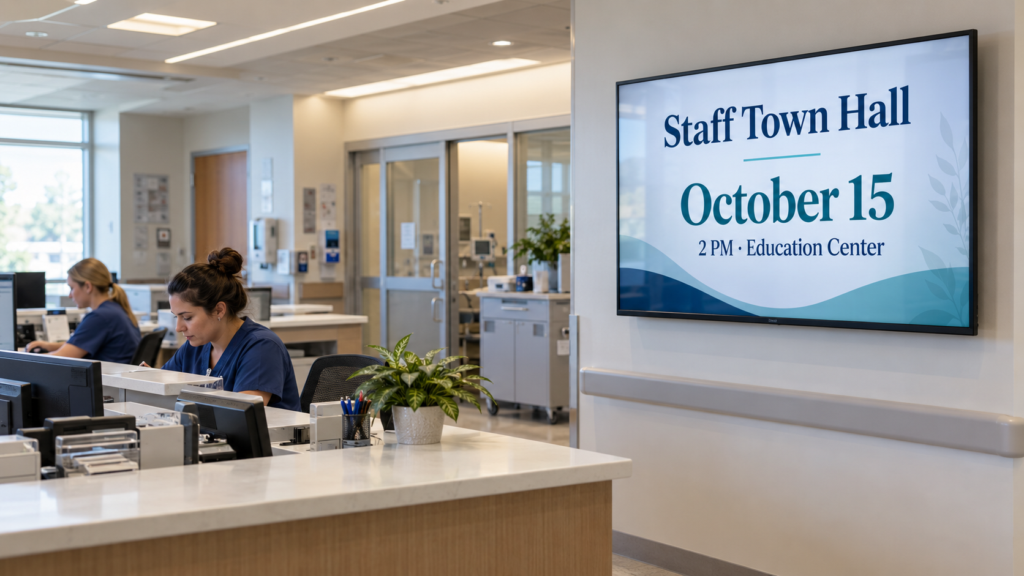
Printed posters feel cheap until you add up what surrounds them. Someone designs the poster, someone prints it, someone hangs it up, and when the date changes, someone has to print a new one and take the old one down. Take a staff town hall: the poster hangs on every ward, in every break room, and at every nurse station. Then the start time moves or the room changes, and every copy on every floor is wrong. The same goes for a safety instruction: when a rule is updated, every printed copy has to be found and replaced, and until then the old version stays on the wall. Anything tied to a date or a moment is out of date quickly, and you pay for the effort again every time, in print costs and in the hours of the people who create, hang, and remove the posters. On a screen, a changed time or room is a quick edit that appears everywhere at once; an expired message removes itself, and you use less paper along the way.
3: No designer, no IT ticket: you publish in minutes
When every poster needs a designer, small messages end up in a queue, and the message loses its moment while it waits. With Digital Signage, your logo, colors, and fonts are built into the templates, so a colleague from HR, the reception desk, or the communication team can make something that looks professional in a few minutes, and every message still looks like it comes from the same organization. Because creating, scheduling, and publishing happen in one place, you also need fewer separate tools and less outside design work. The same goes for IT. Changing a message should not be a ticket. IT stays involved where it matters, setting up the screens, deciding who may log in and checking security, but day-to-day the people who own the message publish it themselves. That frees designers and IT from a stream of small requests, and it frees you from waiting for an answer.
4: The right message on the right screen, in every location
One message for every screen rarely works. The canteen, the production hall and the reception have different audiences, and a notice about a closed car park matters to one site and is noise at another. With targeting, you choose per screen, group or location what is shown, and with one central place to manage everything, you do not need a separate system or a separate routine for each site. You can start with one screen and add more as you go, without starting over. It also makes it easier to involve local colleagues, because they can add what matters to their own site while the central team keeps the overview.
One central place also means fewer mistakes and fewer delays. Outdated information is expensive in a quiet way: wrong opening hours, an expired procedure, a work instruction or schedule that changed last week, or safety information that is no longer correct. Each one causes questions, confusion, and extra work to put it right, and sometimes a delay while people wait for clarity. When every location shows the same current message, expired content disappears on its end date, and a message can be approved before it goes live, you get fewer misunderstandings, less rework, and fewer interruptions in the work.
5: Get more value from the tools and content you already have
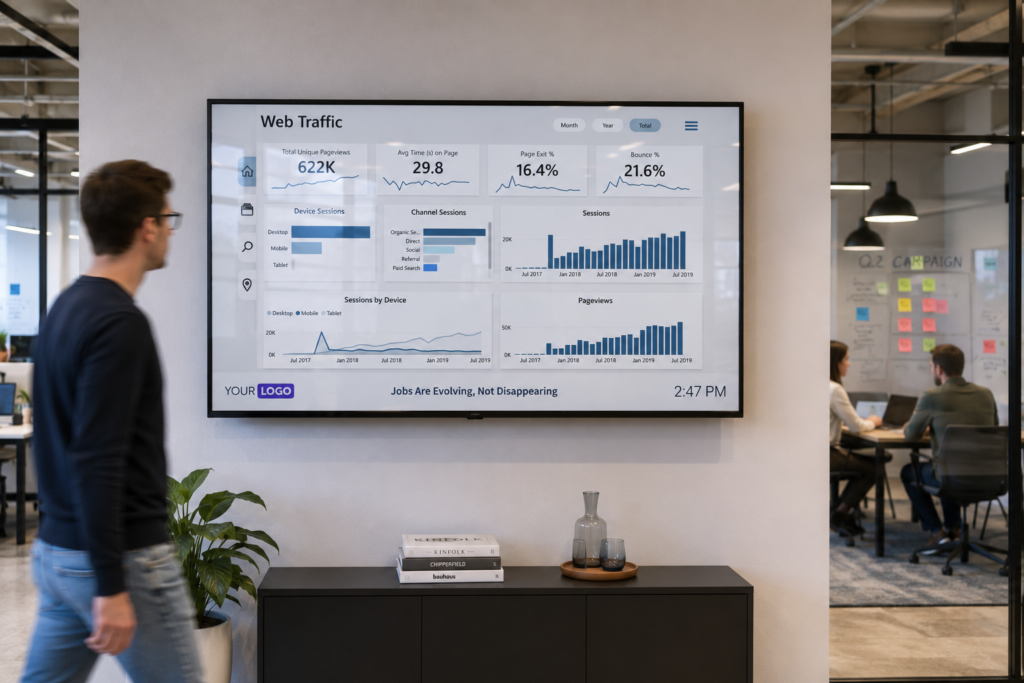
Most organizations have already invested in tools that hold good information: a SharePoint site, an intranet, a Power BI dashboard, a calendar, a spreadsheet the team keeps up to date. The catch is that colleagues have to go looking for it, and many don’t. Digital Signage software connects to these tools and shows their content on your screens automatically, so what already exists reaches people who would otherwise never open the page, and you get more value out of the tools you have already paid for and the content you have already written.
It also changes how much time it takes to keep screens full. Without automation, someone has to find, copy, and paste content onto every screen, every week. With integrations that work, it disappears: the source changes, and the screen changes with it. The same goes for sources outside your organization. Many Digital Signage platforms can show the latest posts from social media accounts such as Facebook, X, Instagram and LinkedIn, so your company’s posts appear on screen without anyone re-creating them, and feeds with external news, weather and traffic keep screens fresh on days with little internal news. When most of your content fills itself, your time goes to the few messages that need a personal touch, and the hours that used to go into filling screens become time, and money, that you keep.
6: Less searching, more doing
A lot of working time disappears into looking for information: when the shift starts, what this week’s target is, whether a policy has changed, who is on duty. When screens act as one central place for news, targets and schedules, colleagues no longer have to ask around, scroll through the intranet or wait for an email, because the information is in front of them while they walk by. That leaves more time for the work itself, and it helps most with colleagues who are never at a desk: at Kugler Precision, colleagues without regular PC access often missed important information, and after adding Digital Signage, the company says they are now reliably informed. Screens also give you a visible way to show appreciation, with a shout-out for a job well done or a welcome for new colleagues.
7: Answer it once, not fifty times
Every organization has a handful of questions that come back all the time: when the canteen is open, what the new policy says, who is on duty. Each answer takes only a minute, but they land on the same few people in HR, at the reception desk or on the helpdesk, and they add up over a week. A screen answers the question once, in the place where people ask it. Because screens show content in rotation, the answer comes back again and again during the day, so colleagues who missed it the first time see it the second, and the repetition makes it stick. It also saves you from replying to the same email ten times or forwarding it around: you put it on the screen once, and everyone sees it.
8: A promotion channel you already own
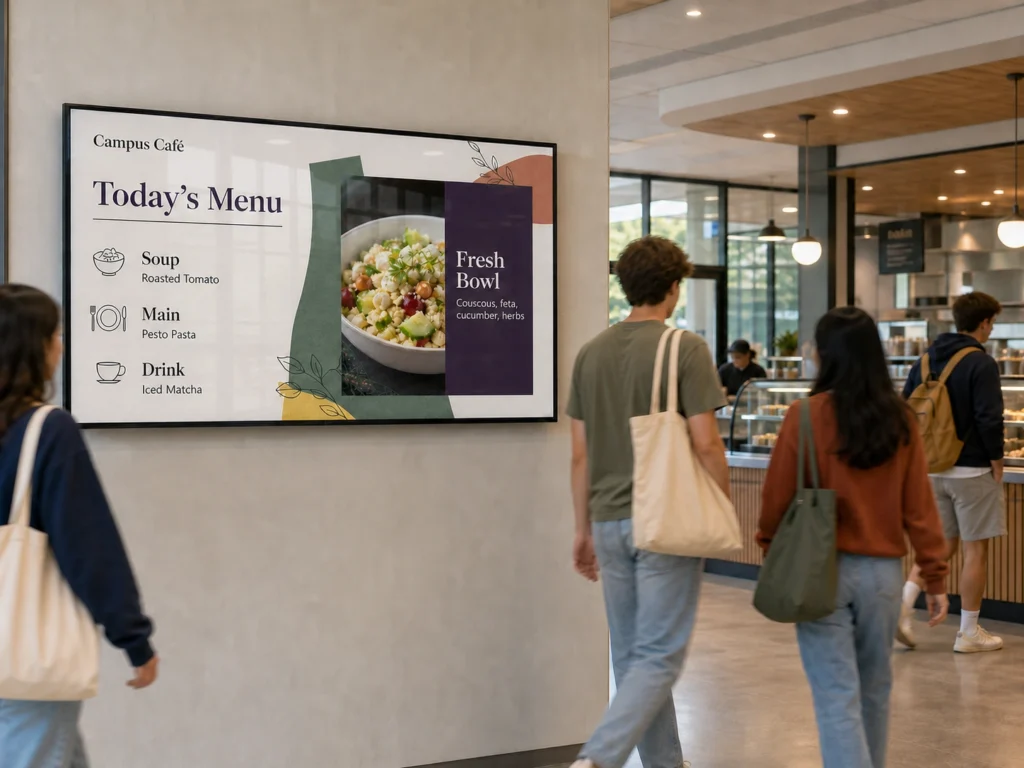
Screens are also a good place to promote what your organization offers. The canteen can show today’s menu and special offers, a clinic can introduce a treatment or health check to patients in the waiting room, a school can announce an open day, and HR can show open vacancies to employees and visitors who may know exactly the right person. A QR code lets people sign up, apply or read more straight from the screen. Because you can schedule content, an offer can start on Monday and end on Friday without anyone touching it, and because you create it in a template yourself, it needs no print run and no outside agency. It is a channel you already own, in places where your audience walks by every day.
Digital Signage costs money, but less than you might think
Digital Signage is not free, and it would be wrong to say it is. You pay for the software, usually per screen, and you need hardware: a screen and a device to run the software. In the first year, especially when you buy new screens or devices, the investment is at its highest. Buying hardware does not have to be expensive, though, and what you spend is largely up to you. If a TV already hangs on your wall, a simple Android or Google TV stick can turn it into a Digital Signage screen for roughly €45 to €70 (indicative, October 2026), and an old PC or laptop often works just as well. A simple, budget-friendly player is enough for a few screens. If you prefer something sturdier, or you are planning more screens and locations, there are other hardware options, from low to high, so you can start small and grow when it makes sense.
Over time, the picture changes further. The money you no longer spend on printing, the hours you no longer spend walking around with USB sticks or waiting for a designer or IT, and the extra value you get out of the tools you already have start to add up, and they continue year after year while the largest part of the investment is behind you. The easiest way to see what that means for you is to look at your own week: how many posters do you print, how long does a change take to reach every screen, and how often does someone have to ask for help with a small change?
Curious what it could save you?
Digital Signage rarely pays off in one big way. It pays off in many small things that add up, from the USB stick you no longer carry around and the poster you no longer print, to the designer or IT ticket you no longer wait for and the content in tools like SharePoint and Power BI that colleagues now actually see. Each one saves only a few minutes or a few euros, but they come back every week, and that is where the real savings are. How much that adds up to for you depends on your screens, your tools and the way your teams communicate, and the easiest way to find out is to experience it yourself. In a 14-day free trial, you can try it on your own screen, publish your first messages, and see in practice how much time it takes off your plate.