Deskless Worker Communication: How Digital Signage Closes the Gap
Estimated reading time: 8 minutes
Deskless worker communication is the challenge of reaching employees who do not work at a computer. It fails most often because email, intranet, and Teams all assume a desk, an account, and a quiet moment to read, and a large part of most workforces has none of those during a shift. Digital Signage closes that gap, because a screen asks nothing of the person looking at it.
Think of the last company-wide message you sent. It was probably well written, and it probably reached the office within the hour. For the people on the production floor, in the warehouse or at the reception desk, it may never have arrived at all. Below, why that happens and how screens solve it.
Table of contents
What is the deskless communication gap?
Ask anyone in internal communication where it breaks down, and the answer is usually the same: between the office and everyone else. The office has email, Teams, an intranet, and a calendar invite for every meeting. The floor, the warehouse or the ward has a memo on the door, a notice board somebody updated last week, and whatever a team leader passes on after a meeting.
Deskless workers are the people on production lines, in warehouses, on wards, in kitchens and at reception desks: anyone whose work does not happen at a computer. The information they need is the same as everyone else’s. Only one half of the organisation actually receives it, and that half is larger than most communication plans assume: in Eurofound’s European Working Conditions Survey 2024, 38% of workers in the EU say they rarely or never use a computer, laptop, tablet or smartphone at work.
That difference is the deskless communication gap, and it is rarely anyone’s fault. The channels most organisations rely on were built for people with a desk, a device, and a quiet moment to read, and that describes a smaller share of the workforce than the tools suggest. Everyone else gets the version that happens to be passed along, late, or not at all.
Why email, intranet, and Teams do not reach them
There are five reasons, and only one of them is about access.
No account. In manufacturing, logistics, healthcare and retail, plenty of employees have never been given a company email address or an intranet login, because they do not need one for the work. An organisation that communicates through those channels leaves those colleagues out by design.
No moment to look. Even where there is an account, there is often no reason to open it. A machine operator or a warehouse picker has no natural pause to check a mailbox, scroll an intranet or open Teams, so a message about this morning arrives next week.
They all ask something of the reader. Somebody has to open the app, find the message and read it. That works for people sitting at a desk; it does not work for someone on their feet all day. Any channel that needs an action will always reach fewer people than one that is simply there.
There is too much of it. Colleagues who do use these channels every day have an inbox, a Teams feed and an intranet full of updates, so an important message competes with everything else. Most people have long since learned to skim, and internal communication is usually the first thing to go.
And then there is language. Where the floor speaks different languages than the office, a message in the company language reaches fewer people than you would expect, however well written it is. Nobody replies to say they did not understand, so it tends to go unnoticed.
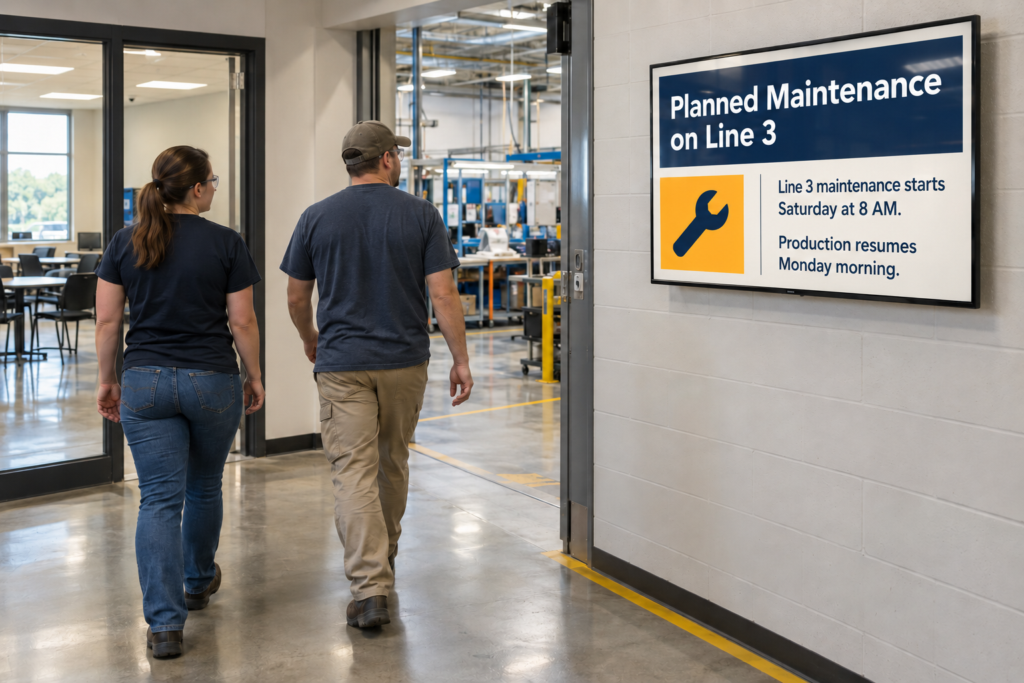
Why does a screen work where other channels do not?
A screen asks nothing. No login, no app, no inbox, no action at all. It hangs where people already pass and shows the message while they walk by or wait for coffee, which makes it the one channel that works regardless of whether someone has a device, an account, or the habit of checking anything.
It is also a shared channel, which matters more than it sounds. A message on a screen in the canteen is seen by the whole shift at once, so colleagues talk about it, and the people who miss it hear it from someone who did not. A message in an inbox or a feed reaches one person at a time; a screen reaches a room.
And because content rotates, a message is not a single moment. Someone who walks past at seven in the morning and someone who walks past at eight in the evening see the same thing, without anyone sending it twice. Language works the same way: a screen can show the same information in more than one language, so the message arrives in a language people actually read.
Where should you place the screens?
A screen only works if it hangs where people stop or slow down. In most organisations, four places do the heavy lifting.
The entrance or the time clock. Everyone passes it twice a day, and it is the natural spot for what people need to know before they start.
The canteen or break room. People have time here, so this is where longer content works: company news, results, new colleagues, recognition.
The locker room. The few minutes before and after a shift are a surprisingly good moment, especially for safety information and anything about the shift itself.
The work floor. For information that belongs to that specific area, such as today’s planning, production figures or a rule that applies in that hall.
A corridor where everyone walks past at speed is the weakest spot, because there is no moment to read. If you are starting with one screen, put it where people wait rather than where they pass. Our blog on Digital Signage screen placement goes into viewing height and traffic flow in more detail.
What should you put on them?
The content that works is the content people would otherwise have to ask someone for: the shift schedule, what changed in the planning, a safety rule, today’s menu, who is visiting. Practical information, in the place where the question comes up.
Alongside that, company news. This is the part that gets forgotten, and it is where the gap is most visible. New colleagues, company results, a change in the organisation, an upcoming event: the office hears it the same day, and the floor often hears it late or not at all. A screen in the break room closes that gap without anyone writing a second version of the message.
And make room for recognition. A shout-out for a job well done, a work anniversary, a welcome for someone new. A thank you in an email reaches one person; on a screen it is seen by the whole team and by the shifts that follow. For more inspiration, see our 25 ideas for Digital Signage content.
One practical note: keep it short. People read a screen in a few seconds, so one message per slide, a clear headline, and the detail somewhere else if it is needed. A lot of that content does not have to be made twice either. News from your intranet, figures from a dashboard, meetings from a calendar: if it already exists somewhere, it can appear on the screens automatically, so the people in the gap see the same information as everyone else without anyone retyping it.
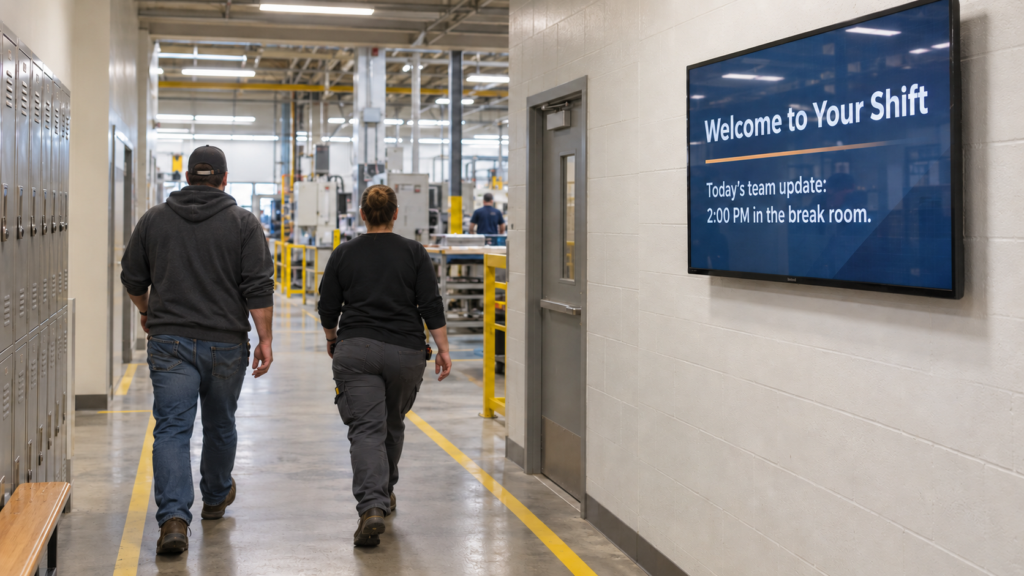
How do you reach every shift, including the night?
Briefings reach the people who are in the room. For organisations that run more than one shift, that means the evening and night shift structurally hear things last, or not at all.
Screens do not have that problem, because they keep showing the message through the evening and the night. You can also decide when something appears, so handover information shows at the change of shift and company news during break times. The result is that every shift sees the same information, without anyone having to repeat it three times.
The same applies across locations. One message published centrally appears on every site at once, so nobody finds out through a chain of forwarded emails. Our blog on 5 ways manufacturing benefits from Digital Signage covers what that looks like in a plant.
Where screens stop
Screens reach people in the building, which covers most of the workforce most of the time. They do not reach the technician out at a customer, the driver on the road, or the colleague working from home, and because a screen is a broadcast channel, it is not the place for anything personal.
For most organisations, that is not a problem, because the people in the deskless gap are exactly the people who are in the building. But it does help that screens do not have to stand alone. With Netpresenter, Digital Signage is one of several ways to deliver the same message: a screensaver and lock screen reach colleagues at a PC, desktop alerts cut through when something is urgent, and the employee app reaches people on their own phone. You create a message once and choose which channels carry it, so you can start with Digital Signage and add more whenever you want.
Curious what that looks like? Take a look at what else is on the platform, or let’s talk about which channels fit your organisation.