Digital Signage Content for Every Department
Estimated reading time: 8 minutes
Digital Signage is often seen as a tool for the communication team, but it works for the whole company. Every department has information that colleagues care about, and a screen is a place where that information reaches them without anyone having to go looking for it.
In most organizations, information stays inside the department that owns it. HR knows who is joining, finance knows which deadlines are coming, and the warehouse knows tomorrow’s shifts. To share it, each team sends an email, puts up a notice, or hopes colleagues check the intranet. Much of it is missed, especially by colleagues who are not at a desk all day.
A screen changes that. It hangs in a place people already pass, such as the canteen, the entrance or the production floor, and shows a short message for a few seconds, again and again, throughout the day. Because content can be targeted per screen, group or location, each message appears only where it matters. And because departments can contribute their own content, within the rules the communication team sets, the channel becomes something the whole company uses, not just one team.
Table of contents
- 1: HR – let colleagues refer candidates
- 2: Marketing – launch campaigns internally first
- 3: Sales – celebrate every new customer
- 4: Finance – make deadlines impossible to miss
- 5: IT – show the tickets, build trust
- 6: Customer service – share the compliments
- 7: Facilities – tell people before they get stuck
- 8: Warehouse – put the shift schedule where the team is
- 9: Safety – keep training top of mind
- 10: Management – put a face on the message
- Curious what your departments could share?
1: HR – let colleagues refer candidates
HR holds some of the most useful information in the company: who is joining, what is coming up, and what colleagues need to do. Take open positions. The screen shows “Open now: Team Leader Logistics,” with the location and a QR code that says “Know someone? Scan to refer.” The thinking behind it: employees are often the best source of good candidates, and a screen they pass every day reaches them in a way an intranet jobs page does not.
More from HR:
- The first-week schedule for new colleagues
- Internal moves and promotions
- Benefits deadlines
- Company holidays and closing days
- Results of the employee survey, and what happens next
2: Marketing – launch campaigns internally first
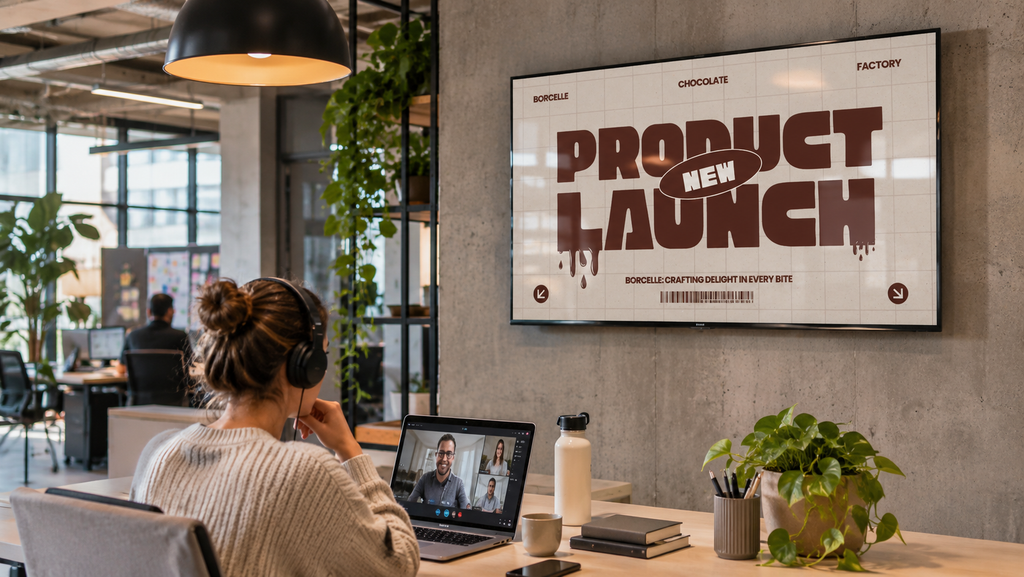
Marketing knows what is coming long before customers do. Take a campaign launch. The screen shows “Our new campaign goes live on Monday,” with a sneak peek and the line “See it first, and share it with your network.” The thinking behind it: colleagues would rather hear about a campaign from you than discover it on LinkedIn, and when they know it in advance, they become its first ambassadors.
More from Marketing:
- Your latest social posts, to like and share
- Behind the scenes of a photo or video shoot
- Press coverage and awards
- Customer reviews
- Trade shows and events colleagues can join
3: Sales – celebrate every new customer
Sales sees the results of the whole company’s work. Take a new customer. The screen shows the customer’s logo, “Welcome, Van Dijk Logistics,” and a short line: “Thanks to the whole deal team.” The thinking behind it: colleagues from the warehouse to finance get to see what their work leads to, and the team that closed the deal gets a moment of recognition.
More from Sales:
- Customer visits and demos today
- A logo wall of new customers this quarter
- Product updates and new sales materials
- Customer success stories colleagues can learn from
- Upcoming customer events and webinars
4: Finance – make deadlines impossible to miss
Finance sends more reminders than any other department, and most of them end up unread. Take an expense deadline. The screen shows “Expense reports are due Friday, 5 PM,” with the line “Submit them in the expense tool.” The thinking behind it: a deadline with a clear time and one clear action works better than a reminder email, and the slide can disappear by itself on Friday evening.
More from Finance:
- Payroll dates and month-end deadlines
- Travel and expense policy changes, in one line
- Warnings about fake invoices and payment fraud
- When to submit budget requests
- How to submit an invoice correctly
5: IT – show the tickets, build trust
IT often works in the background, so colleagues rarely see what the team does. Take a service desk dashboard. The screen shows “IT service desk today: 8 open tickets, 23 solved, average first response 12 minutes.” The thinking behind it: it shows colleagues that their tickets are being handled and sets expectations, and the team sees its own work, which makes it a visible part of the company.
More from IT:
- Planned maintenance and downtime
- A rollout calendar for updates
- A tip of the week for a tool everyone uses
- Helpdesk hours and how to reach IT
- New tools and how to get access
6: Customer service – share the compliments
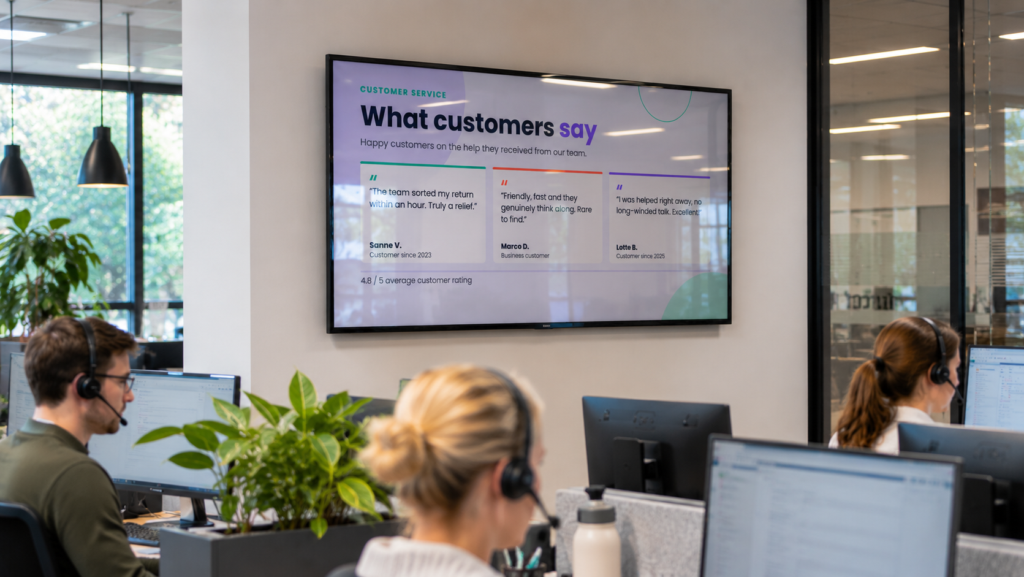
Customer service hears more about the company than anyone, good and bad. Take a compliment. The screen shows a customer quote, “Fast and friendly, the problem was solved in one call,” with the name of the colleague who helped. The thinking behind it: the team that handles the complaints rarely sees the thanks, and everyone else learns what good service sounds like.
More from Customer service:
- The top questions customers asked this week
- “You said, we did”: improvements that came from customer feedback
- The customer satisfaction score this month
- Product or policy changes customers may ask about
- The holiday schedule for customers
7: Facilities – tell people before they get stuck
Facilities knows what is happening in the building before anyone else. Take maintenance. The screen next to the elevators shows “Elevator 2 is out of service until Friday, 2 PM. Please use Elevator 1 or the north stairs.” The thinking behind it: the message appears only on the screen where it matters, it answers the question before it is asked, and it removes itself on Friday afternoon, without anyone remembering to take it down.
More from Facilities
- Which Today’s canteen menu, with allergens
- Free desks and parking spots today
- Building works and the alternative route
- Recycling and sustainability tips
- Building opening hours over holidays
8: Warehouse – put the shift schedule where the team is
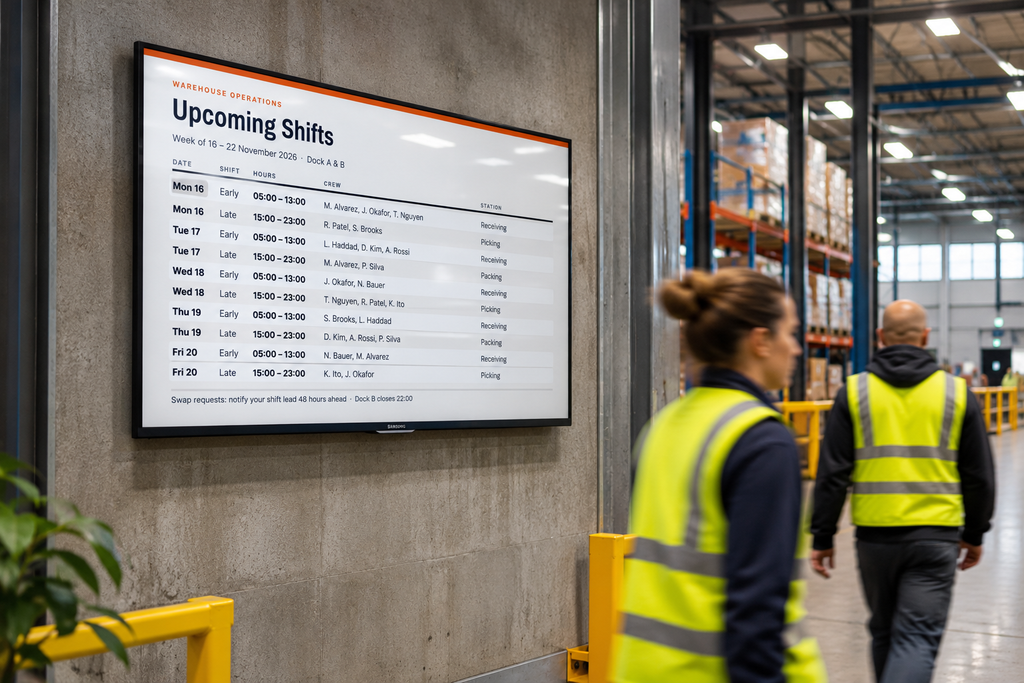
In a warehouse, people are on the floor, not at a desk, so information has to be where they are. Take the shift plan. The screen shows “Tomorrow: Early shift, Team A, Docks 1 to 4. Late shift, Team B, Docks 5 to 8.” The thinking behind it: nobody has to ask the planner or look for a printed sheet, and when the planning changes, the screen changes with it.
More from the Warehouse:
- Deliveries expected today
- The order backlog and what must ship before the end of the day
- Rules for visiting drivers: where to park, where to report
- The equipment and forklift schedule
- Planned inventory counts
9: Safety – keep training top of mind
Safety depends on people knowing what to do, and that depends on repetition. Take a training reminder. The screen shows “Safety training this week: forklift refresher, Tuesday 9 AM, Training Room 2. All forklift drivers attend.” The thinking behind it: screens show content in rotation, so the reminder comes back throughout the week, and more people see it in time without the safety team sending a single email.
More from Safety:
- Near miss of the week
- Days without an incident
- Licenses and certificates due for renewal
- Emergency exits and assembly points
- Results of the safety walk, and what was fixed
10: Management – put a face on the message
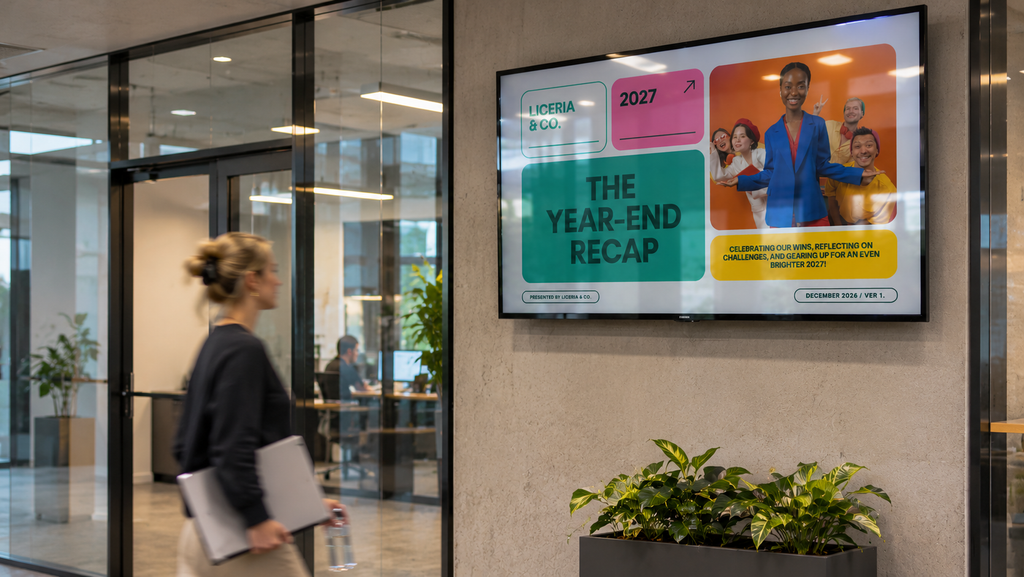
Management has the messages that matter most, and often the least reach. Take a message from the CEO. The screen shows a photo and one sentence: “Thank you for a record quarter.” The thinking behind it: a short, personal message lands better than a long email, and it reaches colleagues who do not read email at all.
More from Management:
- The three priorities this quarter, and how we are doing
- Town hall dates and agenda
- Company results in plain language
- Welcome to new leaders and organizational changes
- Answers to the questions colleagues asked most
Curious what your departments could share?
Ten departments, ten different kinds of information, and one place where all of it reaches colleagues. The examples here are built from templates with your own logo, colors, and fonts, so every department can publish without waiting for a designer. Looking for more ideas that apply to every team? Read our 25 ideas for Digital Signage content. And the easiest way to find out what your departments would share is to try it. In a 14-day free trial, you can build your first slides and see them on your own screen.