

Digital Signage is a system for showing targeted, dynamic content on screens instead of printed signs or notice boards. It shows a specific message to a specific audience in a specific place, unlike broadcasting, which sends the same message to everyone. Content is created, scheduled, and updated remotely, and a single platform can manage one screen or a network of thousands. Its strength lies in communicating visually, capturing attention and engaging audiences in a way plain text or print never can. It’s used across virtually every industry, from offices and healthcare to logistics, education, and government, to inform employees, customers, or visitors.
Digital Signage in short
You see Digital Signage everywhere these days: in shops, waiting rooms at the doctor or hospital, gyms, hospitality, schools, and restaurants. Anywhere screens show targeted information, that’s Digital Signage. Think of it as your own TV channel: screens where you decide what’s shown. Instead of a general broadcast for everyone, you show targeted content that fits the place and the people passing by.


Digital Signage vs. Broadcasting
The difference is in the approach. With broadcasting, you reach the largest possible audience with the same message, like a TV or radio station. It doesn’t matter who exactly is watching. With Digital Signage, you do the opposite: you focus on a specific audience in a specific place, with content that’s relevant to them. That makes your message more targeted, more personal, and more effective.
A quick comparison
The difference in eight points
| Category | Broadcasting | Digital Signage |
|---|---|---|
| Audience | Broadest possible audience | A specific, targeted audience |
| Content | Same message for everyone | Tailored per screen or location |
| Control | Set by the broadcaster | Set by you, the organization |
| Location | Not tied to a specific place | Tied to a specific physical location |
| Updates | Follows a fixed schedule | Updated anytime, in real time |
| Purpose | Entertainment or world news | Company news or safety information |
| Distribution | Public: TV, radio, cable | Private: your own screens |
| Example | A TV spot or a national radio campaign | The screen in the canteen at your office |
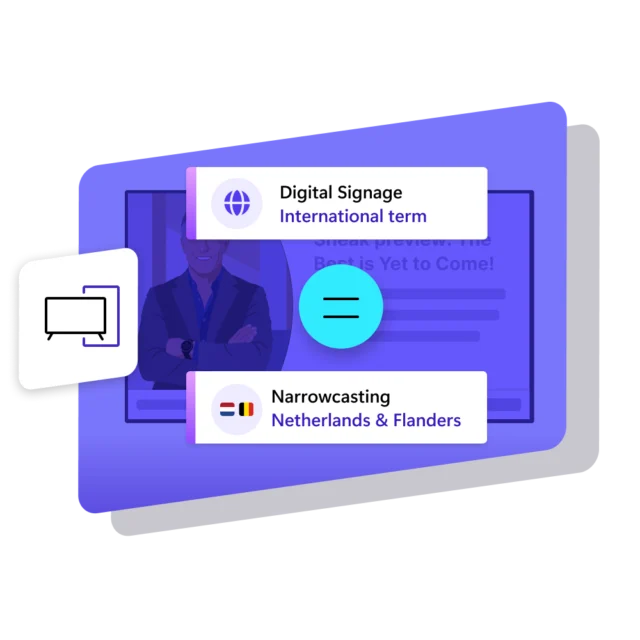
Digital Signage or Narrowcasting: What’s the difference?
Short answer: none. Digital Signage and Narrowcasting mean the same in practice, namely showing targeted content on screens. The difference is mainly in the wording. Digital Signage is the international, mostly English term. Narrowcasting is the term used mainly in the Netherlands and Flanders for exactly the same thing. You’ll also come across variants like screen communication, digital notice boards, digital bulletin boards and corporate TV. Written as two words, “narrow casting” refers to the same thing. Whichever term you use, it’s the same technology and the same purpose.
How does Digital Signage work?
Digital Signage works in three simple steps. You need three things: Digital Signage software, a screen with a media player or PC, and the content you want to show.

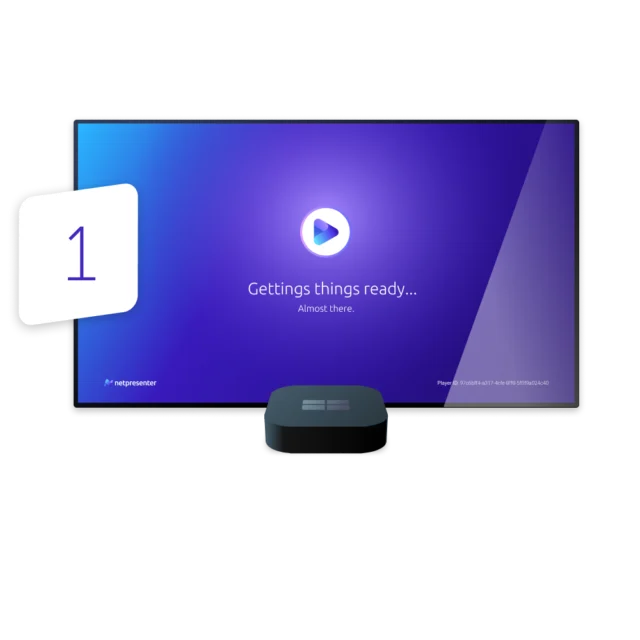
Connect screen
Turn any TV or display into a Digital Signage screen. Connect a compatible media player, install the required software, and link the screen to your Digital Signage platform. Once connected, you can manage the screen remotely.
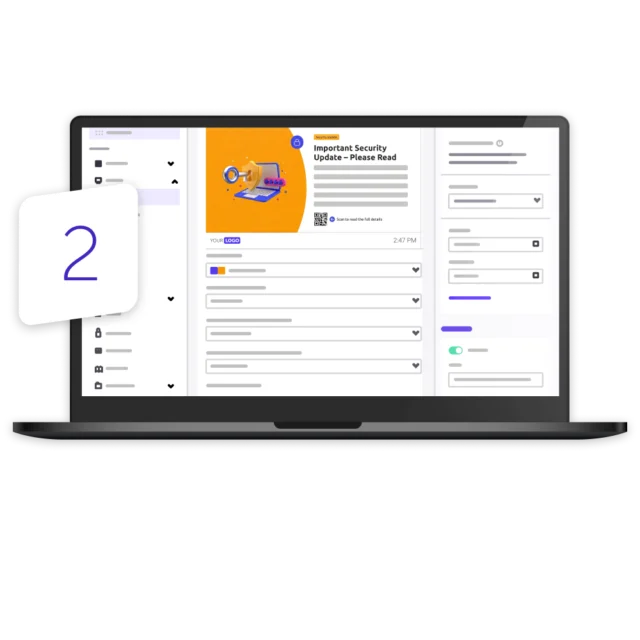
Create content
Create content such as company news, announcements, images, videos, dashboards, or safety messages. Choose which screens should show the content and schedule exactly when it should appear.
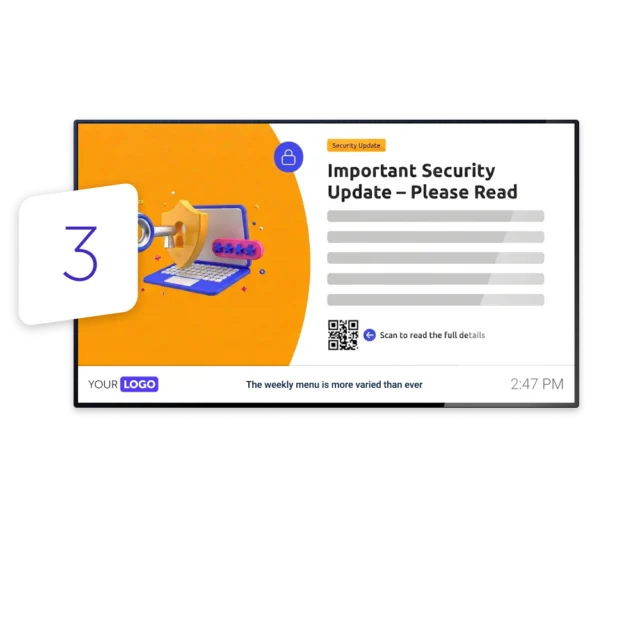
Publish to screen
Publish your content to one screen, a specific group, or every screen across your organization. Make updates from one central platform, without having to visit each screen individually.
Why traditional tools are falling short
Research by Netpresenter among 1,000+ employees at other organizations shows that traditional internal communication tools aren’t working the way organizations assume. Employees skip the channels they’re supposed to check, miss messages buried in the noise, and end up feeling responsible for finding information themselves.



How big is the
Digital Signage market?
Digital Signage isn’t a niche technology. The global market was valued at $28.8 billion in 2024 and is projected to reach $45.9 billion by 2030, according to Grand View Research.
What do you use
Digital Signage for?
Digital Signage is widely applicable. It looks different in each industry, but the goal is always the same: reaching the right people in the right place. A few examples and use cases per industry:


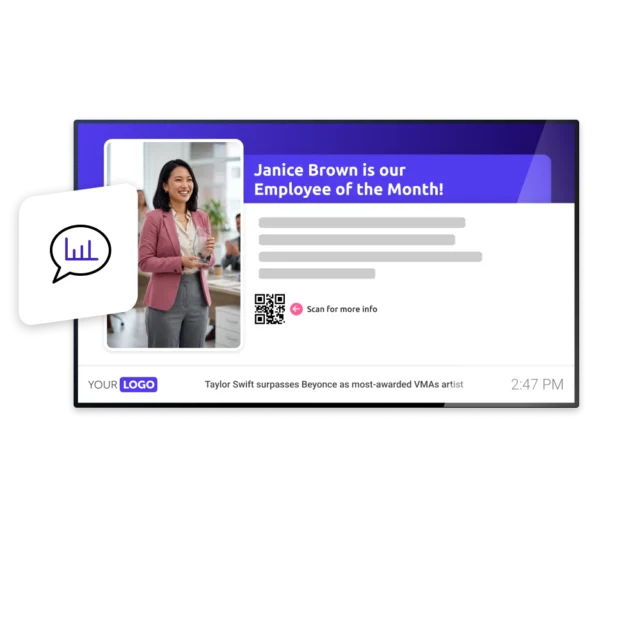
What do you show on your Digital Signage screens?
On Digital Signage screens you usually combine important information with lighter content. That mix works well: the important information makes sure people know what they need to know, and the lighter content grabs attention and keeps people watching, so screens don’t just get glanced at once and then ignored. That way you get your message across, whether it’s to inform, prompt action or explain something, without your screens feeling like a wall of company announcements nobody wants to read.
Why choose Digital Signage
Digital Signage communicates visually, using large, dynamic screens in the places where people naturally gather. That visual approach captures attention in a way plain text never does, and makes sure your message doesn’t just get sent, it actually gets seen. And that’s just the start.









Take the next step
Ready to get started with Digital Signage?
Now that you know what Digital Signage can do, Netpresenter helps you put it into practice across your organization. Reach the right people on the right screens with relevant content, so important messages don’t get missed. Create, manage, and publish everything from one place, with your branding applied automatically. No technical knowledge or help from IT required.
Some questions
already answered
Looking for more information? We’ve collected answers to the most frequently asked questions below. If your question is not listed, feel free to reach out, we’re happy to help!
What does Digital Signage mean?
Digital Signage means showing targeted content on screens to a specific audience in a specific place. It’s the opposite of broadcasting, where you reach the broadest possible audience.
What is the difference between Digital Signage and narrowcasting?
In practice, nothing. Digital Signage is the international, mostly English term, narrowcasting is the term used mainly in the Netherlands and Belgium for the same thing: showing targeted content on screens.
What is the difference between Digital Signage and broadcasting?
With broadcasting you send the same message to the broadest possible audience, like a TV or radio station. With Digital Signage you focus on a specific audience in a specific place, with content that’s relevant to them.
What do I need for Digital Signage?
You need three things: Digital Signage software to create and manage content, hardware (a screen with a media player or PC), and the content itself. You can often use hardware you already have.
Is Digital Signage expensive?
Not necessarily. Modern Digital Signage software often works with hardware you already have, such as existing screens, PCs or affordable Android devices, so a large upfront investment usually isn’t required.
Is Digital Signage difficult to install?
No. Modern Digital Signage solutions are designed to be straightforward to set up, and most organizations can get their first screen live within days.
Is creating content for Digital Signage a lot of work?
Not with the right software. Ready-made templates and integrations with tools you already use, such as SharePoint or Power BI, make it easy to publish professional content in minutes.
What is a Digital Signage media player?
A Digital Signage media player is the device that plays the content on the screen. You connect the player to the screen and to the Digital Signage software.
What is Digital Signage used for?
Organizations use Digital Signage to inform employees, visitors and customers in a targeted way, for example with company news and KPIs in the office, safety information in production, waiting times in healthcare or timetables in education.
What can you show on Digital Signage screens?
A mix of important and lighter content: company news, safety and product information, KPIs and timetables, but also birthdays, the lunch menu or weather and traffic updates.
Is Digital Signage the same as advertising on screens?
Not necessarily. Advertising on screens is one form of Digital Signage, but within organizations it’s mainly used for internal communication, employee engagement, important information, and safety.
How do I know if people have actually seen a message?
With a screen, you can’t know for certain, that’s a limitation of the medium. You usually can see how often a message played and on which screens. If you need certainty that a message was received, you need a channel where the recipient can confirm they’ve seen it.
How do you get started with Digital Signage?
You need Digital Signage software, a screen with a media player or PC, and content. You connect the screen to the software, design your content and publish it to the right screen.