Budget-Friendly Digital Signage Test: Thomson Streaming Box 240
Your organization uses screens that cannot install apps because they are not smart, or because they are running outdated software. How can you still use Digital Signage without immediately investing in brand-new screens or expensive hardware? A compact Android player offers a solution. For a relatively low cost, you can make existing screens suitable for Digital Signage, without complex installations and without technical knowledge.
A budget-friendly device in this category is the Thomson Streaming Box 240. This small and affordable Box makes it possible to use existing screens for Digital Signage with a small investment. To assess how well this solution works in a business environment, I tested the Thomson Box with the Netpresenter Digital Signage software.
First Impression
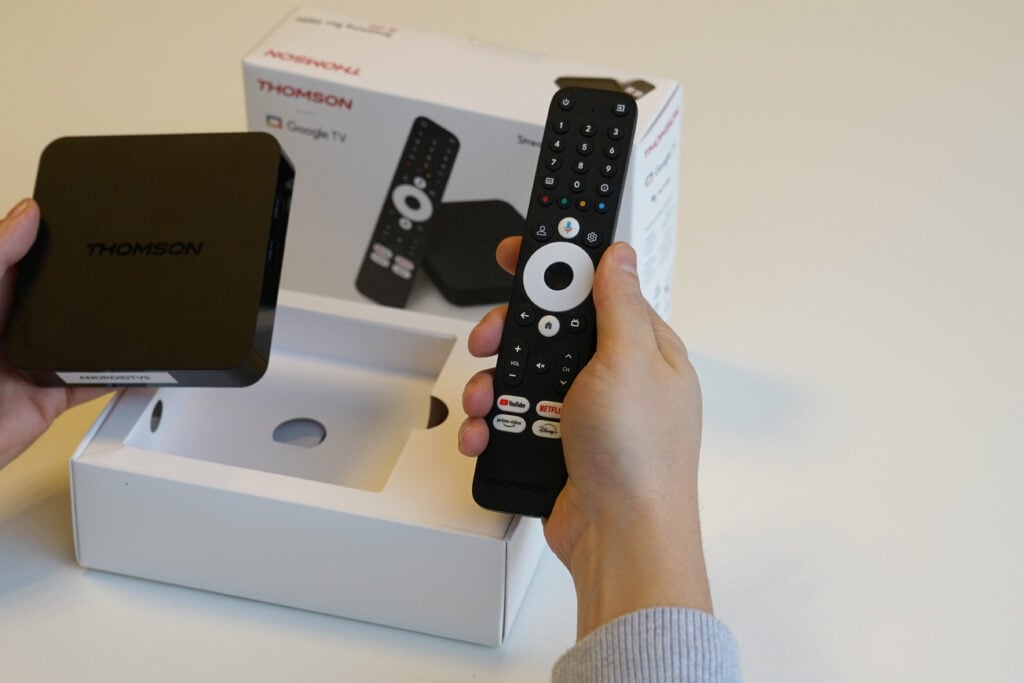
The Streaming Box 240 comes with everything you need: the Box itself, a remote control, a power cable, an HDMI cable, and a brief manual. It looks solid and feels sturdy, especially given the price. Its compact size makes it easy to place the device discreetly behind a screen. This is a particular advantage in reception areas, hallways, and cafeterias: no loose cables or visible hardware, but a neat and professional look without extra hassle.
Set-up
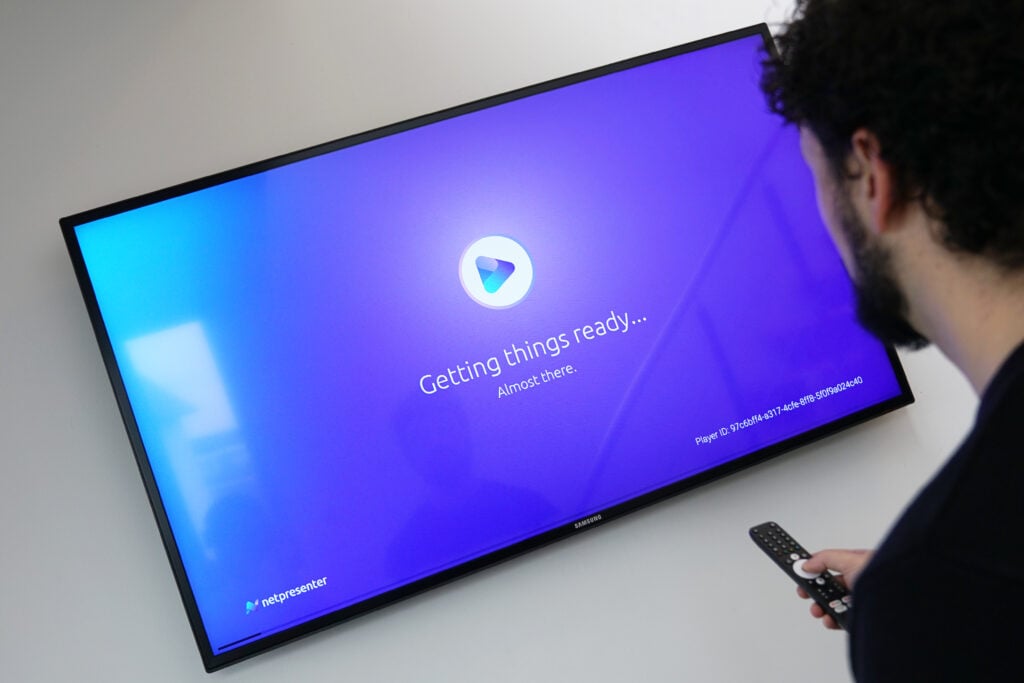
Installation is quick and straightforward, which fits well with the low-threshold nature of this solution. You connect the Box to the screen via HDMI, plug it into power, and select the correct HDMI source on the TV. Then you go through the Android TV setup wizard, connect to Wi-Fi, and sign in with a Google account. Next, you install the Netpresenter Signage Player, link the device to the correct Company ID, and approve the screen in the Netpresenter CMS on your PC. The latter can also be done automatically via approval rules based on IP address. After that, you can get started immediately without technical support.
Tip: Disable the power-saving options on both the screen and the Box. This keeps the presentation continuously visible and prevents unexpected interruptions.
Performance
The Streaming Box 240 meets the minimum requirements to use Netpresenter. The minimum requirements are 4 GB of storage and 2 GB of RAM, and the Thomson Box has 8 GB of storage and 2 GB of RAM. This makes the device suitable for Digital Signage within the budget-friendly segment.
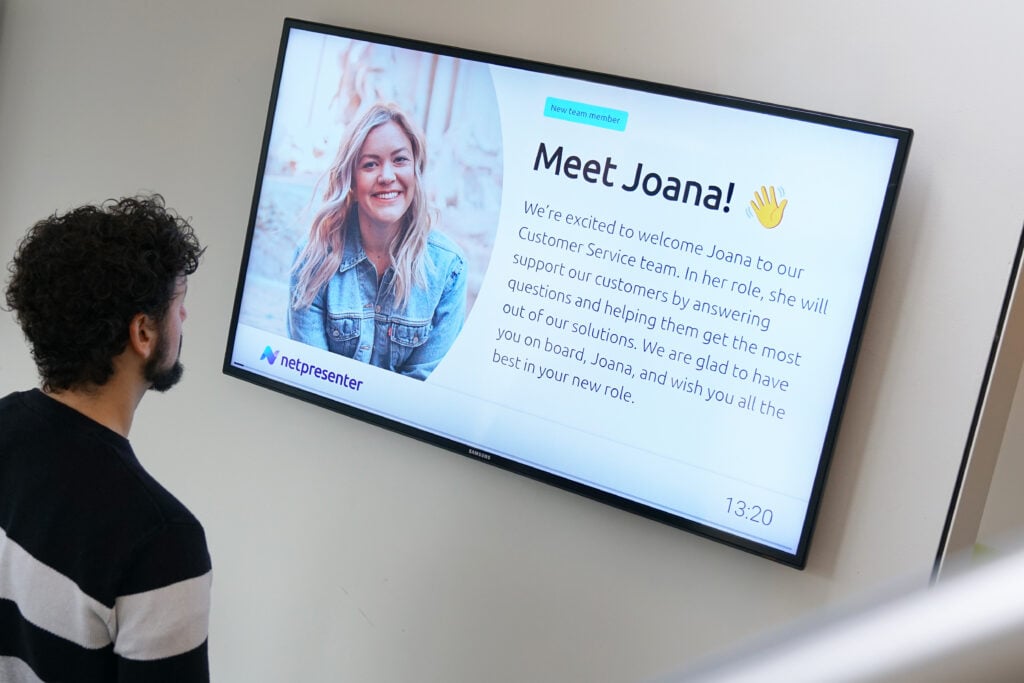
This also became clear during the test. I let the screen run for a week with different types of messages, ranging from text with images and GIFs to 4K videos. Everything worked without issues. There were no stutters or downtime, and changes became visible almost immediately.
Strengths
The combination of the Thomson Box and Netpresenter works smoothly. The app responds quickly, content updates immediately, and visuals are displayed without problems. Thanks to its compact size, the Box can be mounted behind the screen, keeping it completely out of sight. This makes the overall setup look neat and professional.
Points of Attention
The Streaming Box 240 has 2 GB of RAM. This is sufficient for Digital Signage and meets the minimum requirements, but 4 GB of RAM is optimal, especially for intensive use*. A Google TV Streamer 4K, for example, does meet this requirement.
*Intensive use refers to situations where a Digital Signage screen is on for long periods, regularly plays heavy content such as video and animations, is updated frequently, and combines multiple content formats. Here, additional RAM contributes to long-term stability.
Final Verdict
For now, the Thomson Streaming Box 240 does what it promises. At least when it comes to Digital Signage. Will the Box last two, three, four, or five years? That is difficult to predict. But for small or mid-sized organizations that want to turn existing screens into attractive Digital Signage screens without major investments, this Box is a budget-friendly and practical solution.